How to Check the Quality of Drum Unit for Toshiba Copiers Before You Buy
When you're buying drum units for Toshiba copiers, the line between a smooth-running machine and a service call is thinner than most people think. Toshiba's e-STUDIO series—from the 2000-series to the 5000-series—demand precise OPC drum geometry and consistent charge uniformity. A cheap drum might look fine in the box but fail at 10,000 pages. Here's how to inspect before you commit.
Check the OPC Drum Surface and Coating
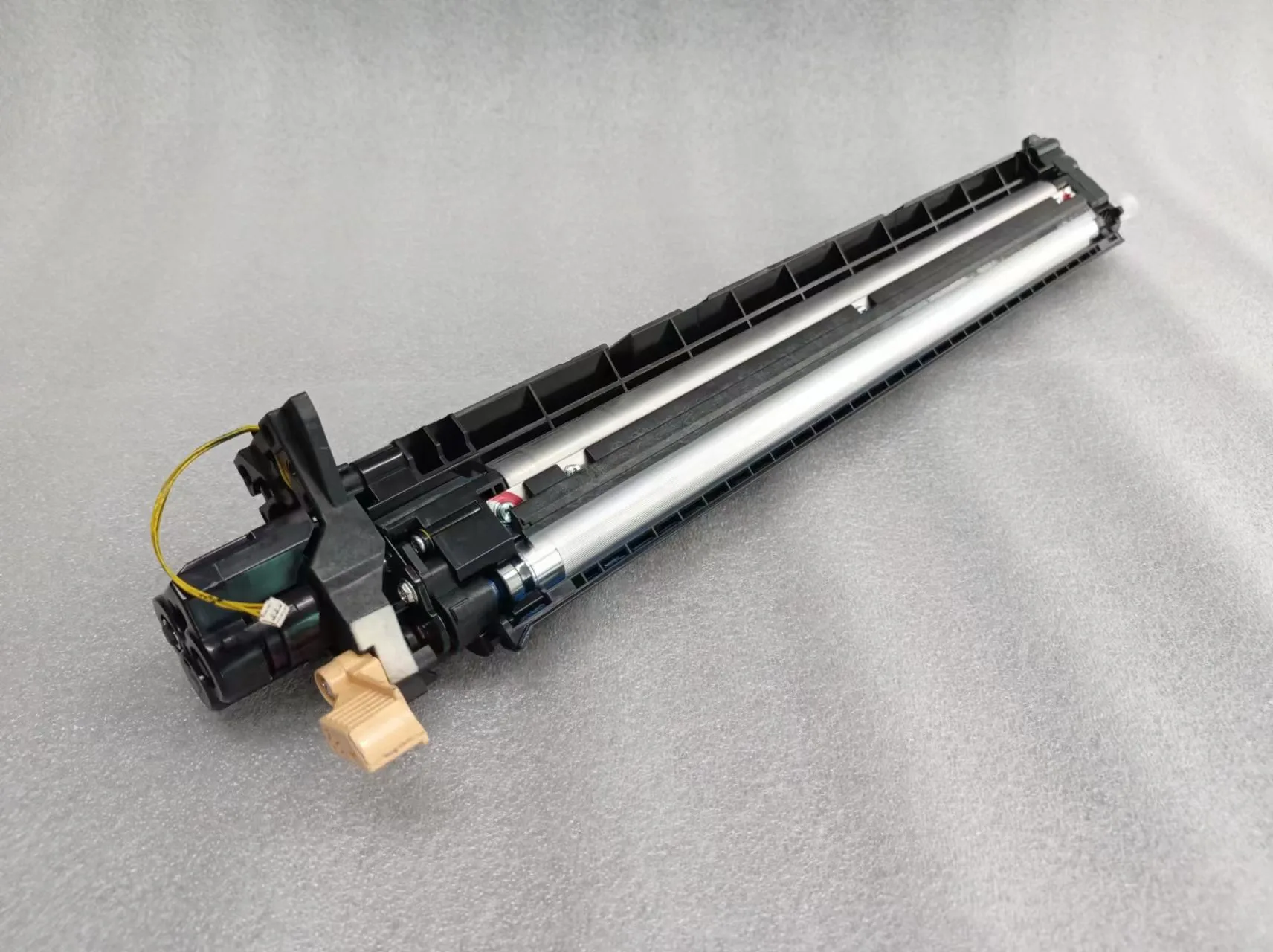
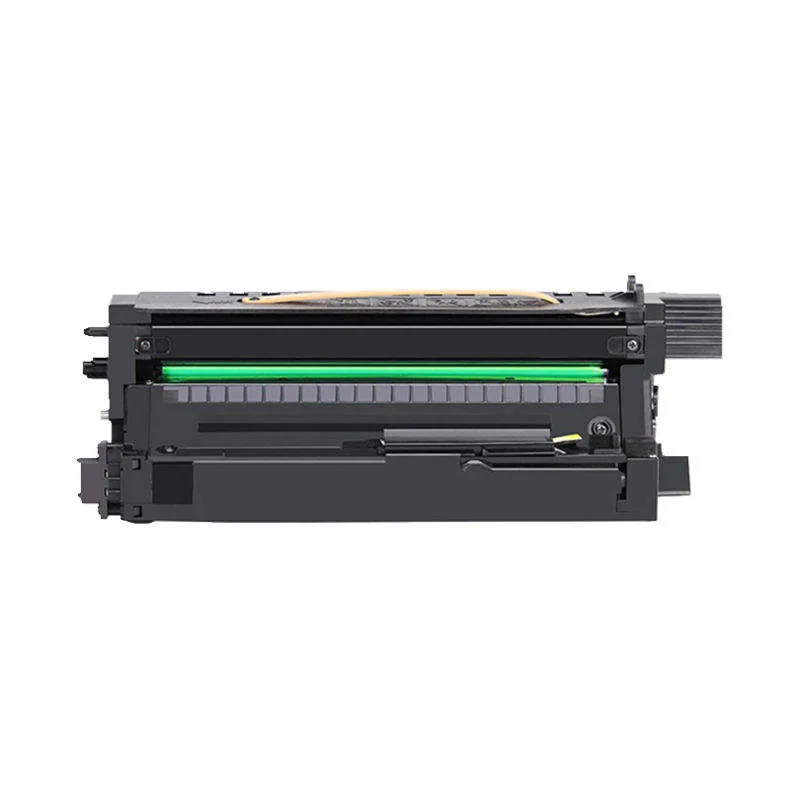
The organic photoconductor (OPC) is the heart of the drum. For Toshiba models like the e-STUDIO 2505, 3505, or 4505, the drum diameter and coating thickness are critical. Use a bright light and tilt the drum at an angle. Look for pinholes, scratches, or uneven sheen. A quality drum has a uniform dark green, blue, or purple hue—no blotches. Run your fingertip lightly along the surface (wear gloves). Any rough patch means poor coating adhesion. CLONER's drum units for Toshiba use a multi-layer OPC with a hardness rating of H-2 to H-3, which resists wear from Toshiba's dual-component developer systems.
Also, measure the drum diameter with a caliper. Toshiba spec is typically 30 mm for most e-STUDIO models, but some like the 307 require 60 mm. A 0.1 mm deviation can cause charge leakage and ghosting. Insist on a spec sheet from your supplier showing the exact OPC thickness (usually between 20-30 microns) and the dark decay voltage (should be below 50V after 1 second).
Inspect the Charge Roller and Wiper Blade
The charge roller must be perfectly cylindrical and free of flat spots. For Toshiba machines, which often run in higher humidity environments, the roller's conductivity and hardness matter. Squeeze the roller gently—it should have a slight give but not feel spongy. A hardness of 60-70 Shore A is typical. If it's too soft, it will deform and cause uneven charging. Check the roller's surface for any white powder (ozone residue) or oil spots; those indicate poor material quality.
The wiper blade edge needs to be razor-straight. Hold it under a magnifying glass. Any nick or wave will cause streaks after a few thousand copies. Toshiba's blade angle is usually 20-25 degrees. CLONER's blades are molded with a micro-finished edge and pre-lubricated with a thin layer of silicone oil to reduce friction during the first 500 pages. Ask your supplier if they do a blade edge inspection under 10x magnification.
Verify the Doctor Blade and Toner Seal
The doctor blade controls toner layer thickness on the developer roller. For Toshiba, the gap is typically 0.3-0.4 mm. If you can buy a sample, install it in a test machine and run a halftone print. Look for banding or density variations across the page. A quality doctor blade will give you consistent density from edge to edge.
The toner seal (mylar or felt) must be intact and correctly positioned. A loose seal lets toner leak into the drum unit, causing backgrounding. Check that the seal is glued without gaps and that the foam gasket around the drum shaft is pliable, not hardened. CLONER uses a high-tack adhesive that withstands Toshiba's high-heat fusing section.
Evaluate the Gear Train and Bushings
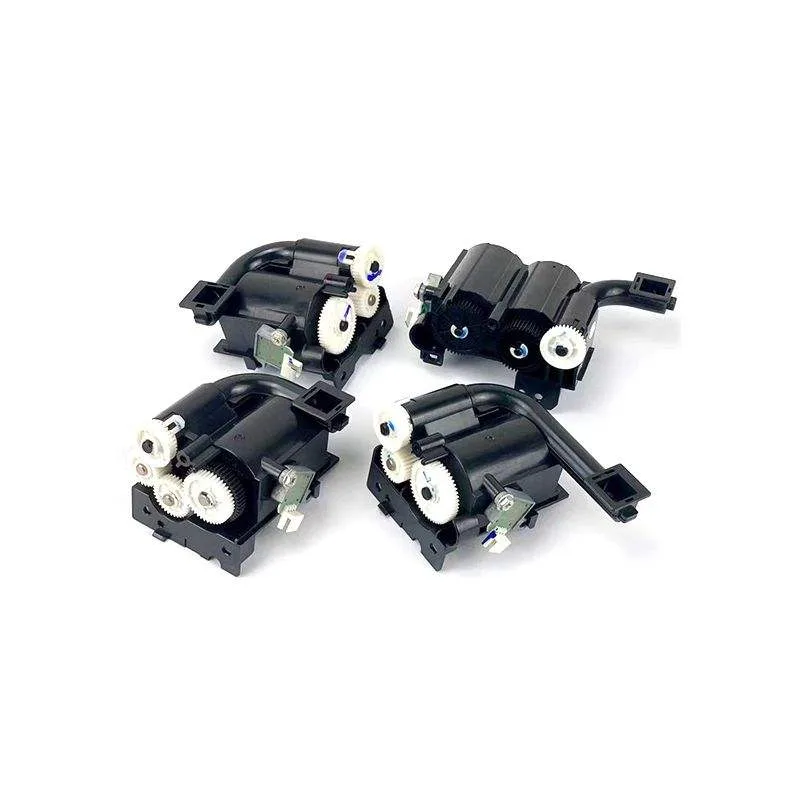
Toshiba drum units often have a drive gear on the left side. Spin it by hand. It should rotate smoothly with no grinding or binding. The bushing material (usually bronze or oil-impregnated sintered metal) should be clean and free of burrs. A rough bushing will cause drum wobble, leading to jittery lines. For high-volume models like the e-STUDIO 5110, the drum shaft must be hardened steel to prevent wear. Ask for a bushing hardness spec (Rockwell C 58-62 is standard).
If you're ordering in bulk, request a torque test report. The rotational torque should be under 0.15 N·m for most Toshiba units. Higher torque means the drum motor will strain, leading to premature failure.
Demand Compatibility Testing and Warranty
Even with all these checks, real-world testing is the final proof. A reliable supplier like CLONER tests each production batch on actual Toshiba e-STUDIO machines (e.g., 2505, 3505, 4505, 5005) before shipping. They provide a 100% yield guarantee for the first 30,000 pages (or per OEM spec). Ask for a compatibility list showing which firmware versions the drum works with. Some Toshiba machines have updated firmware that rejects third-party drums—CLONER's units are firmware-compatible and include a bypass chip if needed.
When you source from CLONER, you get factory-direct pricing with OEM-equivalent quality. We support OEM and ODM orders with custom branding, packaging, and spec adjustments. Contact us with your target model and volume—we'll send you a sample kit for your own testing.
Need a quote or samples from CLONER?
Factory-direct OEM/ODM supplier of compatible printer consumables & spare parts. Tell us your models — reply within 24h.