OEM vs Compatible Fuser Assembly for Xerox: Insider Buying Guide for Distributors
If you're stocking fuser assemblies for Xerox printers, you already know the margin on OEM parts is thin and lead times can be brutal. The real question isn't whether to offer a compatible option—it's how to pick one that doesn't burn you with returns or drive your customers crazy. Here's what I've learned from years on the supply side, and how CLONER's factory-direct approach fits into the picture.
What Makes Xerox Fuser Assemblies Different
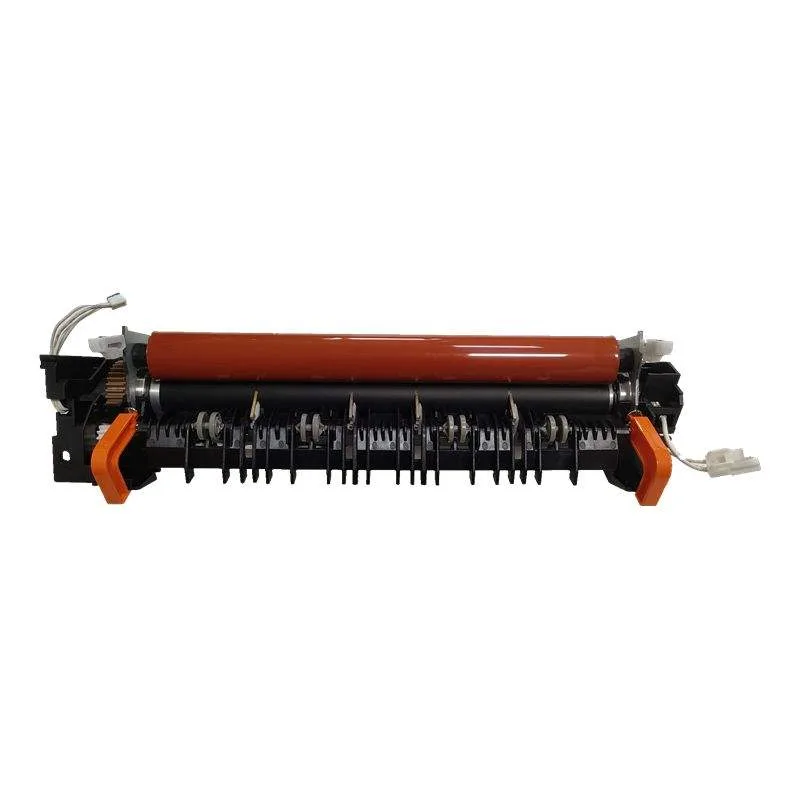
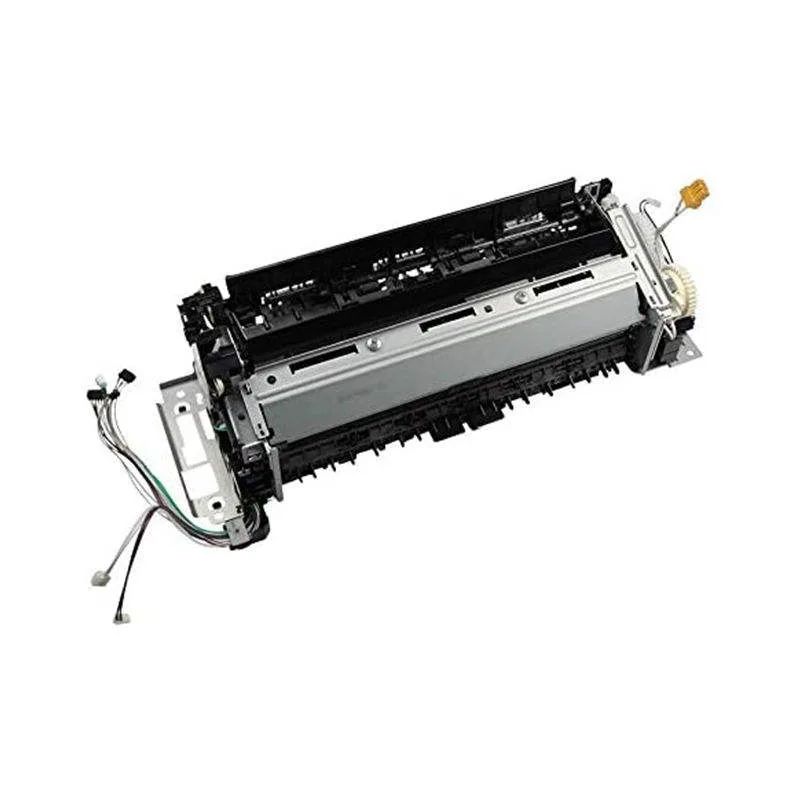
Xerox fusers—think WorkCentre 75xx, 78xx, or AltaLink C80xx series—use a dual-roller design with a heat roller and a pressure roller. The heat roller typically has a Teflon coating, and the pressure roller is a silicone-based sponge. The failure mode you'll see most: the heat roller coating wears thin, causing paper jams or fusing artifacts. On the pressure roller, the sponge degrades after 150k–200k pages, leading to waving or wrinkling on heavier stock.
OEM fusers from Xerox use specific materials and tolerances. The heat roller coating is a proprietary PTFE blend, and the pressure roller foam density is tightly controlled. Compatible suppliers often cut corners here—they'll use a thinner coating or a cheaper foam that fails at 60% of the OEM life. That's where you need to inspect carefully.
Critical Inspection Points for Compatible Fusers
When evaluating a compatible fuser for your inventory, focus on three things: the heat roller surface finish, the pressure roller hardness, and the thermistor placement. The heat roller should have a uniform, glossy appearance—no orange peel or matte patches. Run your fingernail across it; if it catches, the coating is poor. The pressure roller should feel firm but slightly compressible. If it's rock hard, it'll cause jams; if too soft, it'll deform quickly.
Thermistor placement is a common cheat. Some compatibles move the thermistor to save on wiring, but that changes the temperature profile at the nip. You'll see inconsistent fusing—toner that doesn't melt fully on one side of the paper. I've seen this on fusers for the Xerox 5600 series. Always ask your supplier for a cross-section drawing showing the thermistor location relative to the heat roller. CLONER, for instance, maintains the exact OEM position on all their Xerox fusers.
Price vs Performance: The Real Numbers
OEM Xerox fuser assemblies for a WorkCentre 7830 run about $450–$550 wholesale. A quality compatible from a reputable factory like CLONER is around $180–$250. The OEM claims 200k pages; a good compatible should hit 160k–180k. That 80–90% of OEM life for 50% of the cost is a solid value proposition for your customers—especially for high-volume shops that swap fusers every 6 months.
But beware the ultra-cheap options at $120. Those are the ones with thin rollers and weak bushings. They'll seize up after 80k pages, and you'll eat the return shipping. A distributor I know lost $15k in a single quarter on cheap compatibles for Xerox 75xx models. The rule: if the price is below 40% of OEM, run.
How to Vet a Compatible Supplier
You need a supplier who controls the whole process—not just assembles parts from different vendors. Ask for the fuser's test report: temperature uniformity across the roller, nip width measurement, and a 24-hour burn-in test. CLONER does 100% testing on every fuser before shipping, and they'll share the data. Also check the warranty terms: 1 year or 100k pages, whichever comes first, is standard. If a supplier offers only 6 months, that's a red flag.
Another insider tip: look at the fuser's drive gear. OEM uses a specific nylon blend with molybdenum disulfide. Cheap compatibles use standard nylon that wears out in 50k pages, causing the fuser to stop turning. CLONER uses the same material as OEM on their Xerox fusers—they've reverse-engineered the gear compound.
When to Stick with OEM—and When to Switch
For customers running high-end color production machines like the Xerox iGen or Versant series, OEM is still the safer bet. The color consistency and fusing quality demands are too tight for most compatibles. But for the WorkCentre and AltaLink lines—especially black-and-white models—a well-sourced compatible is a no-brainer. Your customers in copy shops and office-equipment leasing firms will appreciate the cost savings.
CLONER offers OEM/ODM services too. If you have a customer who insists on OEM but you want to control the margin, we can private-label a compatible with your brand and adjust the quality to match OEM specs exactly. That's something most Chinese factories won't do—they push their own brands. We've been doing this for 15 years, and our Xerox fuser line covers over 80 models from the 2000 series to the latest AltaLinks.
At the end of the day, your reputation rides on the parts you sell. Don't gamble on unknown compatibles. Get samples from CLONER, test them yourself, and see the difference factory-direct engineering makes. We'll match OEM performance at half the cost, and we'll back it with a warranty that protects your business.
Need a quote or samples from CLONER?
Factory-direct OEM/ODM supplier of compatible printer consumables & spare parts. Tell us your models — reply within 24h.