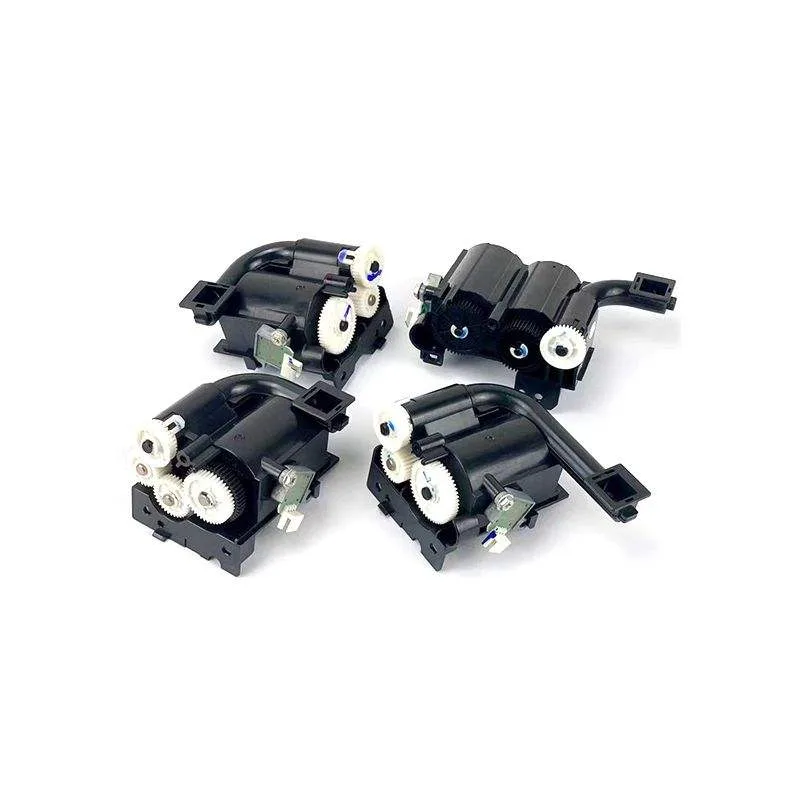
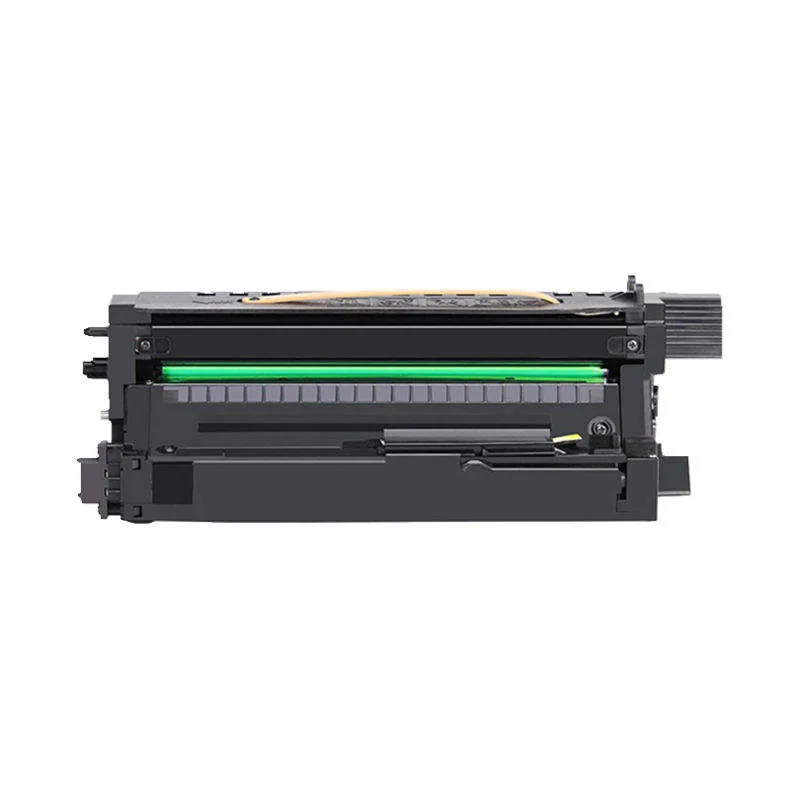
Upper Fuser Roller for Ricoh: Compatibility, Page Yield and Sourcing Tips
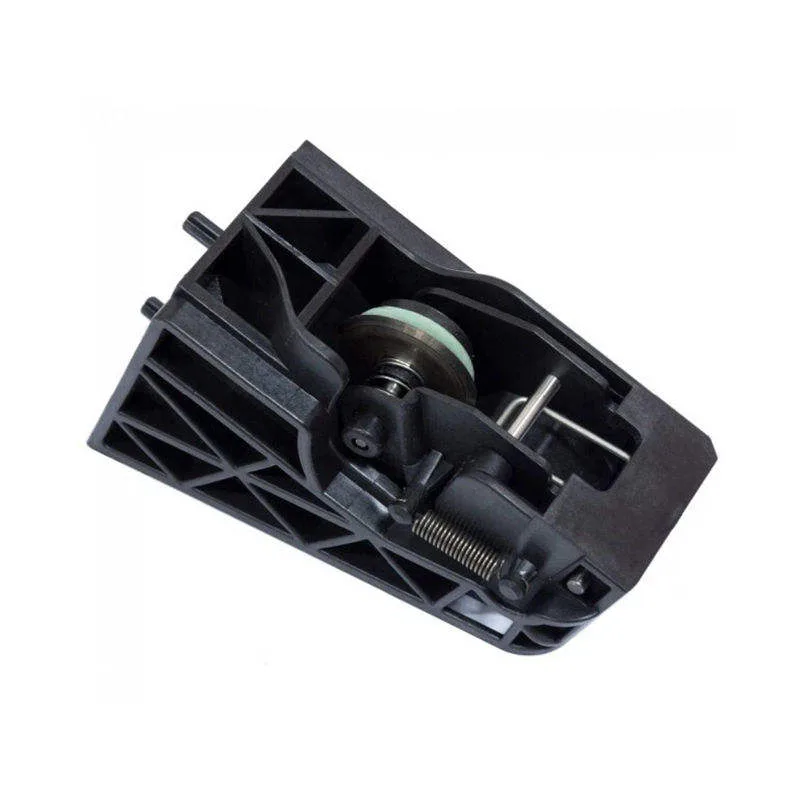
If you source upper fuser rollers for Ricoh machines, you already know that compatibility goes beyond a simple part number match. The wrong roller can cause jams, uneven fusing, or premature wear on the pressure roller. As a buyer, you need to understand how Ricoh’s model families differ, what page yields are realistic, and how to avoid counterfeit or low-grade substitutes. Here’s the insider perspective.
Compatibility: It’s About More Than the Part Number
Ricoh uses several upper fuser roller designs across its product lines. The older MP 2001/2501 series uses a roller with a specific shaft length and heat lamp slot, while the newer IM C series (like IM C3000) uses a different sleeve material and coating. Always check the original part number—for example, D0BK2200 for the MP C3003 or M0BM7600 for the IM C4500—but also verify the roller’s outer diameter and the presence of thermistor contact pads. A roller that fits physically but lacks the correct coating thickness will cause temperature fluctuations and short life.
We’ve seen many cases where a roller listed as “compatible with” a wide range of Ricoh models actually only fits the earlier series. For instance, the roller for the Ricoh Aficio MP C3502 (part number D0BK2200) is not the same as the one for the IM C3500 (part number M0BM7600). The heat lamp wattage and fusing temperature profiles differ. Always cross-reference the manufacturer’s service manual or ask your supplier for a compatibility matrix. At CLONER, we maintain a detailed cross-reference for every Ricoh series we produce, and we share it with our B2B clients to avoid costly mismatches.
Page Yield: What to Expect and How to Verify
OEM Ricoh upper fuser rollers typically last 120,000 to 200,000 pages depending on the model and media type. Aftermarket rollers vary widely: cheap ones may fail at 30,000 pages, while quality replacements can match or exceed OEM life. The key is the coating—PTFE or PFA with a silicone rubber layer. A roller with thin or uneven coating will develop hot spots and delaminate early. Look for rollers that specify a minimum of 150,000 pages for A4 5% coverage, and ask for test reports if available.
In our experience, the biggest killer of page yield is the use of low-grade release oil or contaminated paper. But even with good conditions, a roller that is not properly matched to the machine’s fusing temperature profile will degrade faster. Some buyers assume a roller that works in an MP C3003 will work in an MP C3004, but the fuser unit design changed slightly. Always test a sample batch in your most common machine before committing to large volumes. We provide free samples to qualified buyers for this reason.
Sourcing Tips: Factory Direct vs. Distributor
Buying from a factory-direct manufacturer like CLONER gives you control over quality and pricing. You can request specific coating thickness (typically 25–30 microns), shaft material (hardened steel vs. carbon steel), and even custom packaging for your market. Distributors often mix grades—selling both premium and economy rollers under the same brand. When you buy direct, you know exactly what you’re getting. We recommend asking for a dimensional inspection report and a thermal test certificate before approving a new supplier.
Another tip: check the roller’s surface finish. A quality upper fuser roller should have a uniform, matte appearance with no visible bubbles or streaks. Run a fingernail across the surface—if it feels rough or uneven, reject it. Also, weigh the roller; a significant deviation from the OEM weight indicates different core material or coating thickness. For Ricoh rollers, the weight is usually between 180 and 220 grams, depending on the model.
Common Failure Symptoms and How to Diagnose
If your customers report vertical lines, spots, or poor toner adhesion on prints, the upper fuser roller is often the culprit. Look for these signs:
- Glossy bands across the page: uneven coating wear.
- Paper wraps around the roller: insufficient release properties.
- Noise during fusing: bearing or shaft damage.
When you receive a batch of rollers, test a few in a machine that has a known good fuser unit. Run 500 copies of a solid black page and check for any defects. Also, measure the roller’s surface temperature after warm-up using a non-contact thermometer; it should reach 160–180°C within 2 minutes. If it runs hotter or cooler, the roller may not be compatible with the machine’s thermistor feedback.
Partner with a Manufacturer That Knows Ricoh
At CLONER, we’ve been producing upper fuser rollers for Ricoh machines for over a decade. Our factory-direct model means you get consistent quality, competitive pricing, and the ability to customize: whether you need OEM-spec rollers for the IM C series or economy versions for the MP series. We offer OEM/ODM services with your branding, and we ship globally with full traceability. If you’re looking for a reliable partner, contact us for a sample kit and compare the difference.
Need a quote or samples from CLONER?
Factory-direct OEM/ODM supplier of compatible printer consumables & spare parts. Tell us your models — reply within 24h.