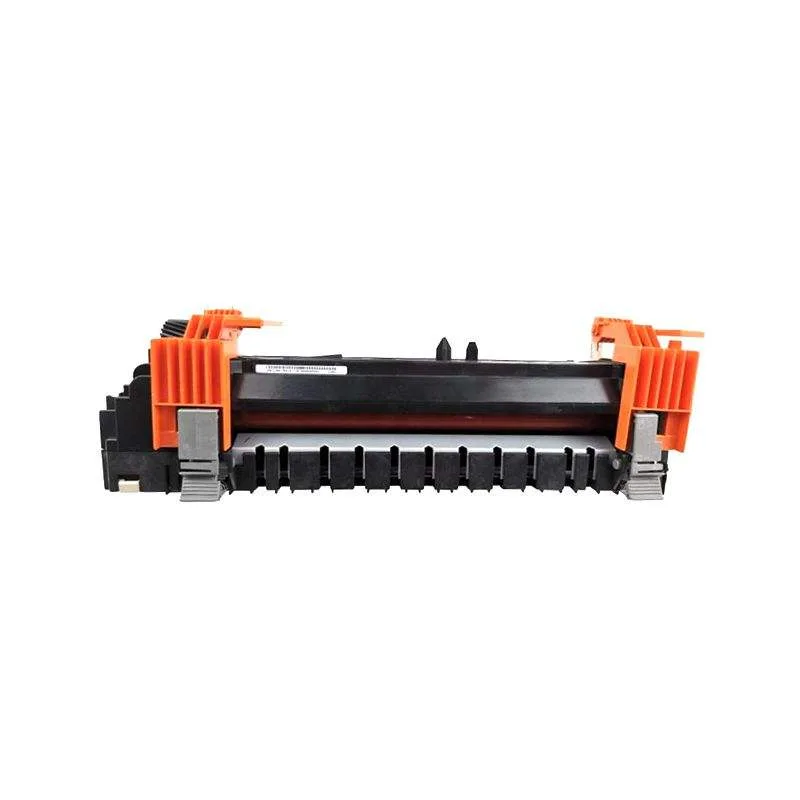
OEM vs Compatible Fuser Film Sleeve for Brother: What Distributors Should Know
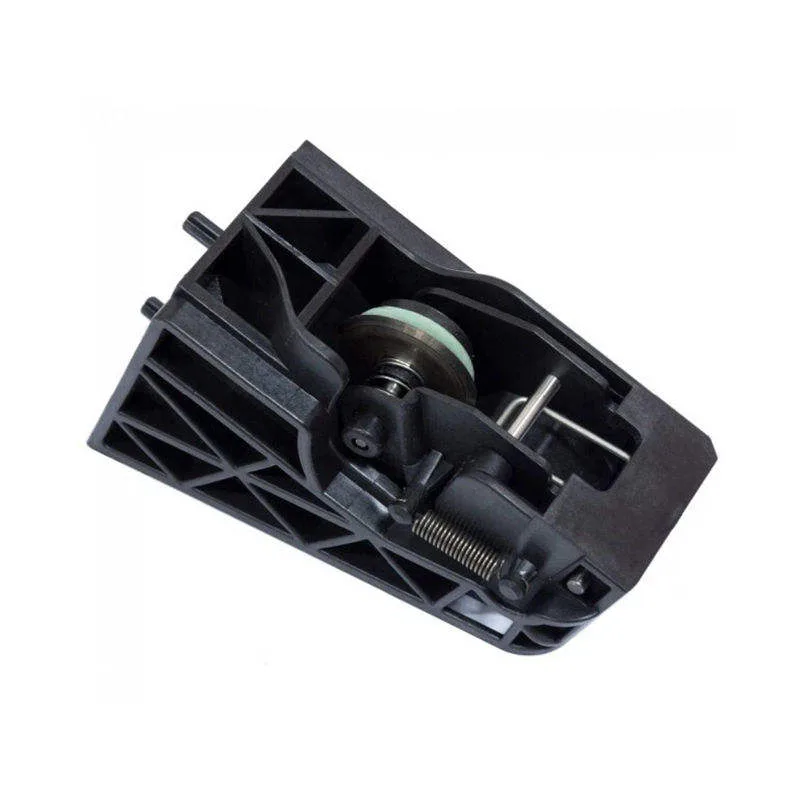
If you distribute Brother spare parts, you already know the fuser film sleeve is the first thing to go. Heat, pressure, and paper dust kill it in 50,000 to 80,000 pages—sometimes sooner if your customer runs cheap paper. The difference between a sleeve that delivers 80K and one that dies at 20K isn't luck. It's the quality of the base film, the release layer, and the way the end seals are welded. That's where OEM and compatible diverge.
What Actually Differs in a Fuser Film Sleeve
OEM Brother sleeves (for models like HL-L2350DW, HL-L5100DN, or MFC-L2710DW) are made with a polyimide base film, typically 40–50 microns thick. On top sits a release layer—usually PFA or PTFE—that keeps toner from sticking. The key is the coating uniformity. A cheap compatible might use a thinner base or a less consistent coating, which leads to hot spots, wrinkles, and early failure.
But not all compatibles are created equal. A good compatible supplier uses the same base film spec and applies the release layer in a controlled process. The difference shows in the end seals. OEM sleeves have a seamless welded seam that withstands flexing. Inferior sleeves often have a glued seam that peels after a few thousand cycles, causing paper jams and fuser noise.
How to Inspect a Fuser Film Sleeve Before You Stock It
When you're evaluating a batch, don't just look at the price. Run a simple visual and tactile check. Hold the sleeve up to a light source—you should see a uniform, slightly translucent film with no dark spots or streaks. If you see any, that's uneven coating, and it'll cause ghosting or poor fusing.
Check the seam. It should be barely visible, smooth to the touch, and not raised. Run your fingernail across it—if it catches, that's a weak point. Also, flex the sleeve gently. Good film will spring back; brittle film will crack or leave a crease. Finally, weigh it. A standard sleeve for a Brother HL-L2350DW weighs around 25–30 grams. If a sample is significantly lighter, the base film is probably too thin.
Compatibility and Fit: The Real Buying Trap
You'd think a fuser film sleeve is a one-size-fits-all, but it's not. Brother uses different sleeve lengths and diameters across their model families. For example, the HL-L2350DW and HL-L5100DN use different fuser units, so the sleeve dimensions differ. A compatible that's listed as 'universal' is a red flag. Always verify the exact model match.
Also, check the thermistor contact point. Some sleeves have a small patch or window where the thermistor reads temperature. If that's missing or misaligned, the fuser will overheat and shut down. We've seen batches of compatibles that work fine for a while, then suddenly throw a 'Fuser Error' because the thermistor patch is off by a millimeter. That's a warranty nightmare for your customers.
Testing and Quality Assurance: What a Factory-Direct Supplier Should Offer
You can't test every sleeve you buy, but you should demand that your supplier does. A reputable manufacturer will run a sample batch through a real printer—not just a bench test. They'll check fusing quality, paper feed, and error codes over a full life cycle. Ask for test reports. If they can't provide one, walk away.
At CLONER, we test every production lot on Brother printers like the HL-L2350DW and HL-L5100DN. We measure the sleeve's life, release performance, and thermal consistency. We also check the seam integrity under flex cycling. That's why we can offer a 1:1 OEM replacement guarantee. We don't just claim compatibility; we prove it.
Cost vs. Risk: Why Distributors Shouldn't Go Cheapest
You might save $1.50 per sleeve buying the cheapest compatible. But if that sleeve fails at 15,000 pages, your customer's copier goes down, they call for service, and you eat the labor. That's not a saving; it's a liability. A quality compatible—priced at 40–60% below OEM—gives you margin without the risk.
Look for a supplier that offers consistent batch-to-batch quality. We've seen distributors switch suppliers because a batch of sleeves had a high failure rate. But the real issue was the supplier's lack of process control. At CLONER, we control the entire production chain—from film extrusion to final packaging. That's what OEM/ODM capability means. You get the same quality as OEM, but with your label on it if you want.
Here's a quick checklist for your next order:
- Verify the sleeve's model-specific dimensions and thermistor patch.
- Ask for a sample and run it in a real Brother printer.
- Check the seam and film thickness visually.
- Request a test report from the factory.
- Ensure consistent batch numbers and traceability.
Partner with a Factory That Knows the Part
When you source from CLONER, you're not just buying a part. You're getting a partner that understands the Brother platform. We offer private labeling, custom packaging, and even tailored sleeve specifications for your market. If you're tired of playing roulette with compatibles, give us a call. We'll send you a sample kit that survives your inspection.
Need a quote or samples from CLONER?
Factory-direct OEM/ODM supplier of compatible printer consumables & spare parts. Tell us your models — reply within 24h.