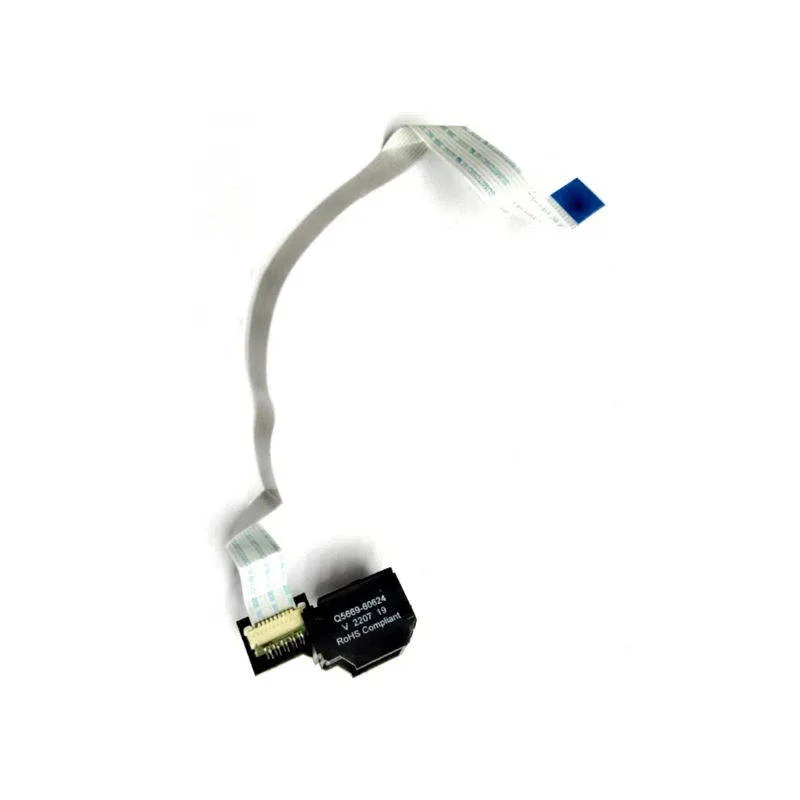
Printer Cable for Xerox: Compatibility, Page Yield and Sourcing Tips
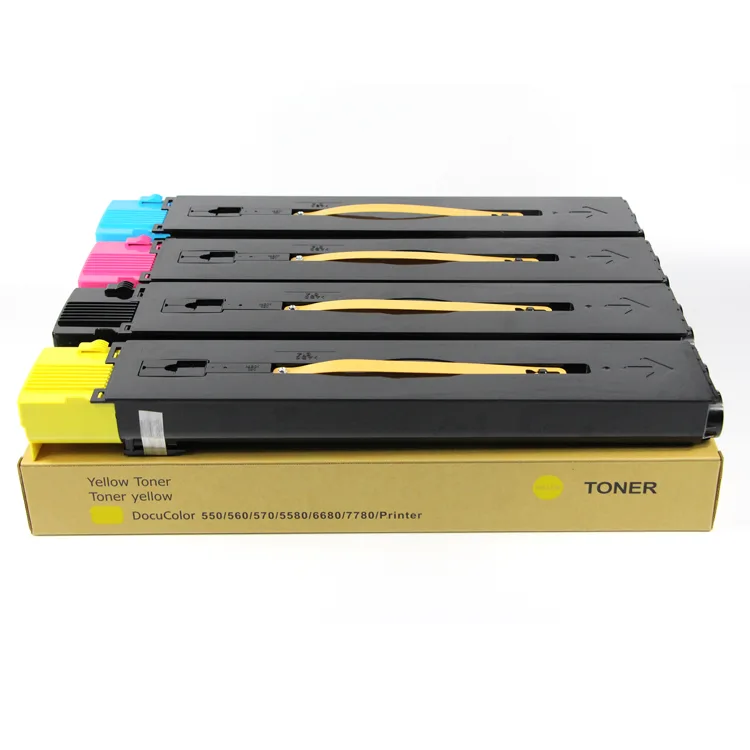
When a Xerox copier starts throwing communication errors or producing garbled prints, the cable is often the last thing technicians check. Yet in our experience supplying parts to repair shops worldwide, cable faults account for a surprising share of intermittent faults on WorkCentre and VersaLink series. Buyers who treat cables as an afterthought end up with returns, downtime, and unhappy end-users. This guide covers what actually matters when specifying printer cables for Xerox equipment—from pinouts and shielding to page yield expectations and factory-direct sourcing.
Compatibility: More Than Just Fitting the Port
Xerox uses a mix of USB, parallel, and Ethernet interfaces across its range. The WorkCentre 5845, for example, relies on USB 2.0 Type-B for direct printing, while older models like the Phaser 8560 still see parallel (IEEE 1284) connections in legacy setups. It’s not enough to match the connector shape; you need to verify the pin configuration. Xerox machines are notoriously sensitive to non-standard USB wiring—some third-party cables omit the shield drain wire or use thinner conductors, leading to data corruption on large print jobs.
For Ethernet, shielded Cat5e or Cat6 is mandatory in office environments with heavy electromagnetic interference. We’ve seen cases where unshielded cables caused print jobs to stall mid-transfer on VersaLink C405. Always check the cable’s impedance and twist rate; Xerox recommends 100-ohm impedance for Ethernet. If you’re sourcing for a mixed fleet, stock cables that meet USB 2.0 (480 Mbps) and Gigabit Ethernet specs to cover most models from 2010 onward.
Page Yield and Cable Performance: The Hidden Link
Page yield is typically associated with toner, but cable quality directly impacts how many pages you can print before a failure. A poorly shielded cable can introduce errors that force the printer to re-process jobs, wasting toner and reducing effective yield. In high-volume environments, a cable that fails to maintain signal integrity may cause the printer to pause mid-job, leading to partial pages and wasted consumables. We’ve tested cables from various suppliers and found that those with ferrite beads on both ends significantly reduce EMI-related retries, preserving both page yield and print quality.
Another factor is connector durability. Cheap cables with thin gold plating wear out after a few hundred insertions, causing intermittent disconnects. For repair shops that frequently swap cables during diagnostics, investing in cables rated for 10,000+ mating cycles saves money in the long run. Look for gold-plated contacts (at least 3 microns) and strain relief that withstands bending. These details don’t appear on spec sheets but determine whether a cable survives the first month in a busy print room.
Inspection Points Before You Buy
When evaluating a cable supplier, request samples and inspect them physically. Start with the connector: the overmold should be tight with no flashing, and the pins should be straight and clean. Tug on the cable near the connector—a good cable won’t show any movement or exposed wire. For USB cables, check the twist: the data pair should be twisted tightly to reduce crosstalk. For Ethernet, verify that the pairs are separated by a spline or cross-filler; this is a sign of true Cat5e or Cat6, not a rebadged Cat5.
Electrical testing is equally important. Use a cable tester to confirm continuity and check for shorts. For USB, verify that the shield is connected to the metal shell at both ends. Some cheap cables leave the shield floating, which defeats its purpose. If you’re sourcing in bulk, ask for a test report showing insertion loss and return loss for Ethernet cables. These metrics predict real-world performance better than vague claims like “high-speed.”
Sourcing Tips: Factory-Direct vs. Trading Companies
Many buyers default to trading companies because they offer low prices and wide catalogs. But for something as critical as cables, the middleman adds cost and obscures quality. Factory-direct sourcing gives you direct access to the production line, so you can specify exact requirements—like 24AWG conductors instead of 28AWG, or a specific shield coverage. At CLONER, we manufacture cables in our own facility, which means we control every step from wire drawing to final assembly. That’s how we can offer OEM/ODM services: if you need a cable with a custom length, color, or connector orientation for a specific Xerox model, we build it to your spec.
Another advantage is consistency. Trading companies often switch suppliers based on price, leading to batch-to-batch variations. When you buy factory-direct, you get the same quality run after run. For repair shops, that reliability translates to fewer comebacks. We also provide technical support—if you’re unsure which cable fits a Xerox AltaLink C8030, our engineers can confirm compatibility before you order.
Key Checklist for Ordering Xerox Cables
Before you finalize a purchase order, run through these points to avoid costly mistakes:
- Confirm the exact interface: USB 2.0 Type-B, USB 3.0, parallel, or Ethernet.
- Check shielding: foil + braid for USB, shielded twisted pairs for Ethernet.
- Verify connector plating: gold over nickel, at least 3 microns.
- Request a sample for physical and electrical testing.
- Ask for batch consistency guarantees and warranty terms.
These steps take minutes but prevent returns and downtime. For high-volume buyers, we recommend establishing a spec sheet with your supplier and holding them to it.
CLONER supplies printer cables for Xerox and other brands from our ISO-certified factory, with no middlemen. We offer OEM/ODM services, custom lengths, and private labeling. Whether you need a few hundred cables for a repair chain or a container load for distribution, we deliver consistent quality at factory-direct prices. Contact us with your Xerox model list, and we’ll match the right cables and send samples for your approval.
Need a quote or samples from CLONER?
Factory-direct OEM/ODM supplier of compatible printer consumables & spare parts. Tell us your models — reply within 24h.