Kyocera Transfer Roller Failures: Symptoms, Inspection, and B2B Buying Guide
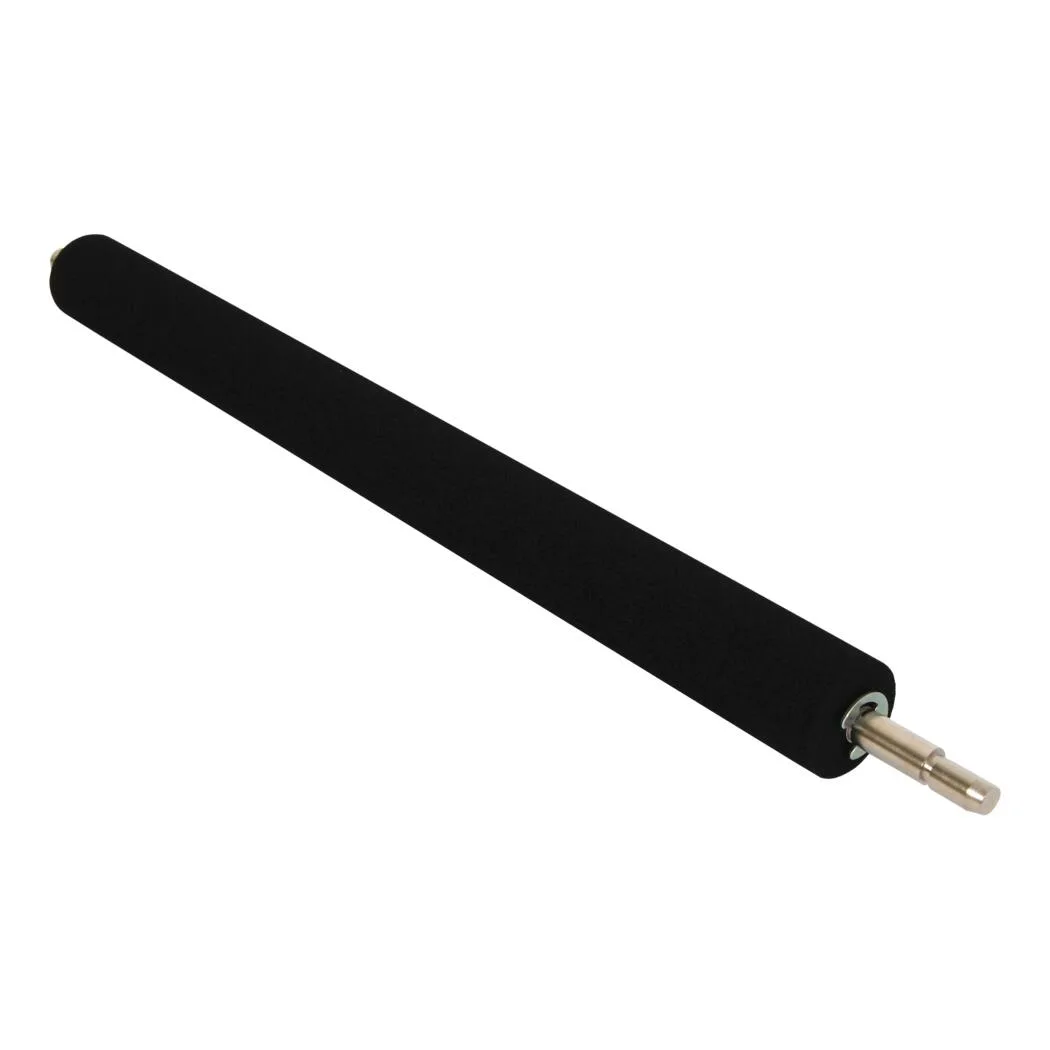
Kyocera transfer rollers are a high-wear consumable, but the failures we see in the field are rarely random. Most stem from material choice, installation errors, or mismatched bias settings. For importers and repair shops, understanding these failure modes is the difference between a profitable consumable line and a stream of returns. This guide covers what goes wrong, how to spot it, and how to select rollers that hold up.
Why Kyocera Transfer Rollers Fail
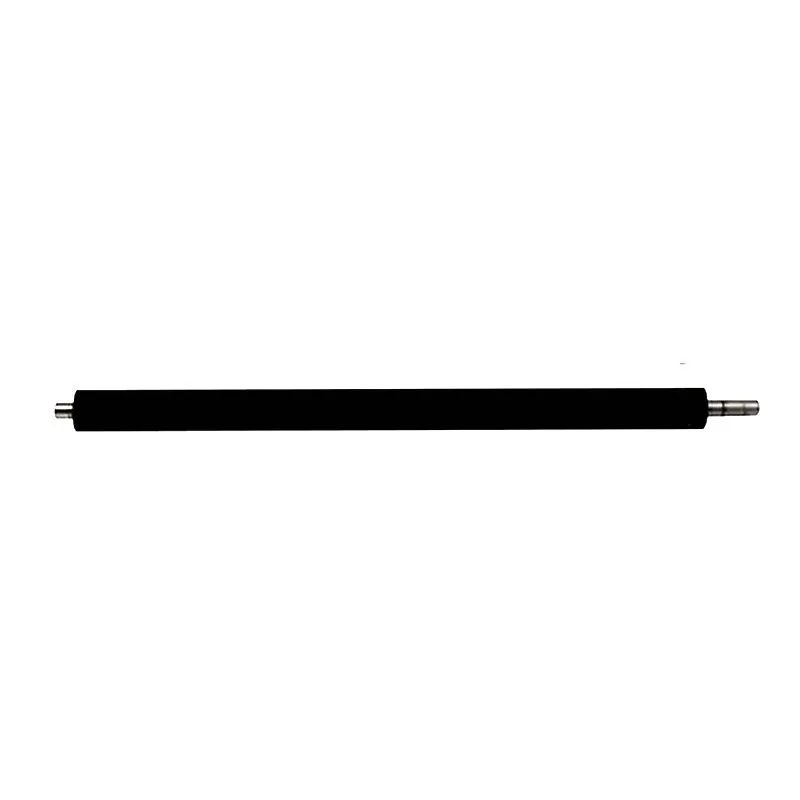
Kyocera's transfer rollers operate under constant bias voltage, toner dust, and mechanical pressure. The most common failure is surface wear: the conductive coating erodes, causing uneven transfer and light patches on prints. On models like the TASKalfa 3050ci or 3550ci, this often appears as faded images on the trailing edge after 80,000–100,000 prints. Contamination from poor-quality toner or paper dust clogs the roller's micro-pores and leads to speckling.
Electrical failures are less visible but equally damaging. The resistive layer can break down, causing bias leakage and ghosting. We've seen this on ECOSYS models where aftermarket rollers with inconsistent resistivity cause background fog. Mechanical damage—flat spots from improper storage or installation—creates repeating marks. Using a roller not rated for the machine's bias voltage accelerates wear and can damage the high-voltage board.
Field Symptoms and Inspection Points
When a customer reports print quality issues, start with the transfer roller. Look for light or missing images on one side, repeating defects every 2–3 cm (the roller circumference), or background scatter. On Kyocera machines, the roller is accessible after removing the transfer belt unit. Check for visible grooves, a hardened surface, or toner caking. A quick resistance test with a multimeter (typically 1–10 MΩ range) can reveal a roller that's drifted out of spec.
Inspect the roller ends for wear patterns. Uneven wear often indicates improper seating or a bent shaft. Also check the bias contacts—corrosion or toner buildup there mimics roller failure. For high-volume dealers, keeping a known-good roller for comparison speeds diagnosis. Remember that Kyocera's transfer rollers are model-specific: a roller for a TASKalfa 250ci won't fit a 300ci, even if they look similar.
Selection Criteria for B2B Buyers
Not all transfer rollers are created equal. The conductive foam's resistivity and hardness determine performance. Cheap rollers often use recycled foam with inconsistent cell structure, leading to early failure. Look for rollers with a specified resistance range and a Shore A hardness that matches OEM specs. For Kyocera, OEM rollers typically have a resistance of 3–5 MΩ and hardness around 35–40 Shore A. Ask your supplier for test data—if they can't provide it, walk away.
Another key factor is the coating. Some aftermarket rollers use a simple carbon-loaded foam, while better ones have a protective layer that resists toner adhesion. This matters in humid environments where toner clumps. Packaging also counts: rollers shipped loose can develop flat spots. Vacuum packing or individual blister packs are worth the extra cost. Finally, check compatibility—Kyocera frequently updates part numbers, so confirm the roller fits your specific model and firmware version.
Avoiding Installation and Setup Mistakes
Even the best roller fails if installed wrong. The most common error is touching the roller surface with bare hands; oils transfer and cause print defects. Use powder-free gloves. Ensure the roller snaps firmly into its holders—a loose fit causes wobble and uneven wear. After installation, run a few test prints and check for even density. On Kyocera machines, reset the transfer roller counter (if applicable) to avoid premature replacement warnings.
Storage matters too. Keep rollers in a cool, dry place away from direct sunlight. Stacking boxes can compress the foam. For field technicians, carry rollers in a rigid case. Don't mix rollers between machines—even if they fit, bias settings may differ. Shops that try to save a few cents with a universal roller usually get a callback and a damaged reputation.
CLONER's Factory-Direct Advantage
CLONER manufactures transfer rollers specifically for Kyocera models, with OEM-ODM capabilities that let you specify resistance, hardness, and packaging. Because we control the foam formulation and coating process, we can match OEM performance at a fraction of the cost. Our rollers are tested for resistance and durability before shipping, and we offer custom labeling for your brand. For distributors, this means fewer returns and happier customers. Contact us for samples and see the difference for yourself.
Need a quote or samples from CLONER?
Factory-direct OEM/ODM supplier of compatible printer consumables & spare parts. Tell us your models — reply within 24h.