Ricoh Transfer Roller Buying Guide: Compatibility, Yield & Sourcing
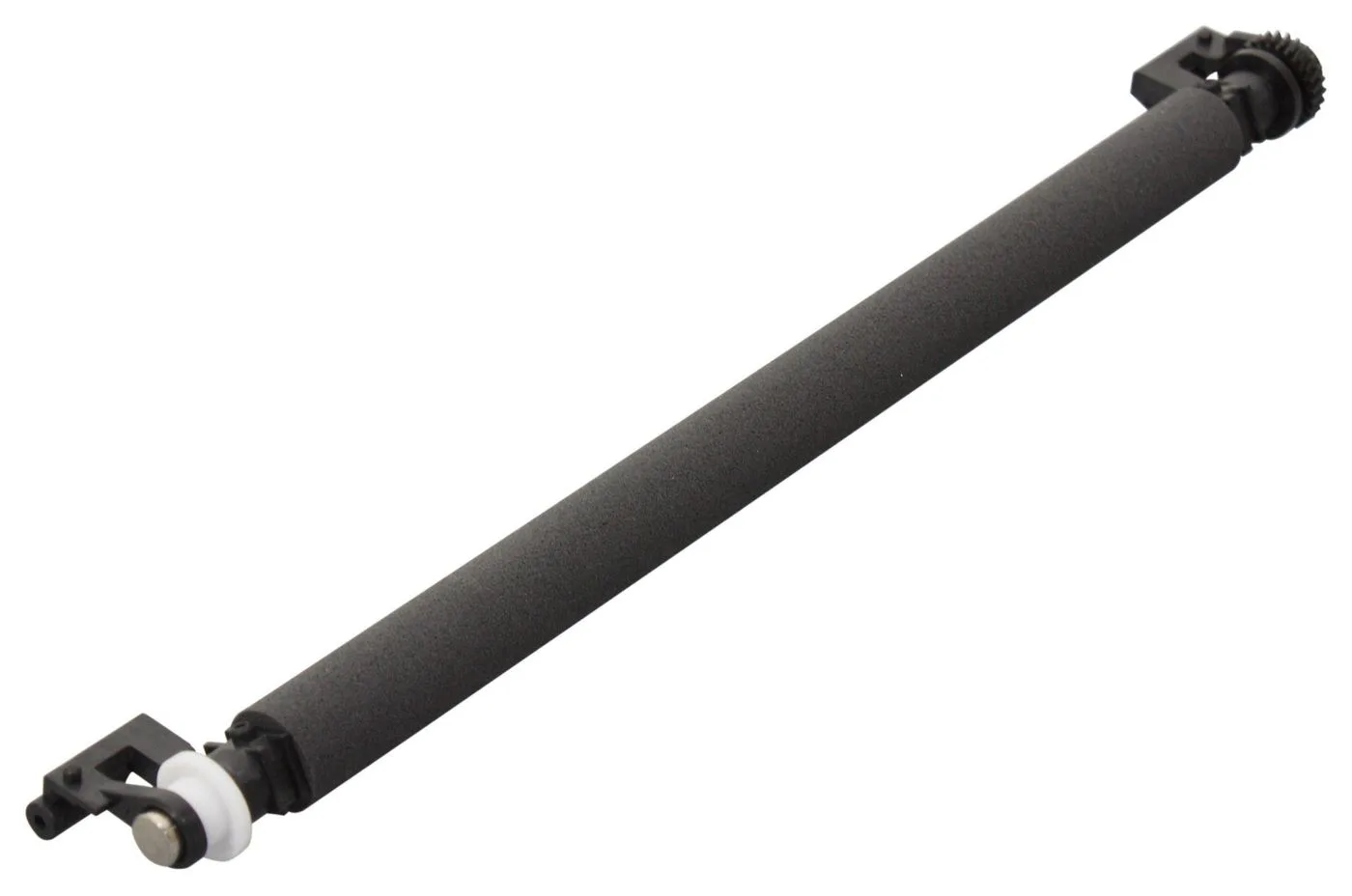
Transfer roller failures are a leading cause of print defects in Ricoh copiers, but many buyers still treat them as commodity parts. The wrong roller can cause background scatter, poor image transfer, or premature wear, leading to service calls and lost customers. This guide covers what you need to know about Ricoh transfer rollers—from compatibility across model families to page yield and sourcing strategies—so you can buy with confidence.
Ricoh Transfer Roller Compatibility: More Than Just Model Numbers
Ricoh transfer rollers are not universal. The MP series (MP 2001, MP 2501, MP 3010, MP 4001, etc.) and the newer IM series (IM C2000, IM C3000, IM C4500) use different roller designs, materials, and mounting mechanisms. Even within the same series, variations exist: for example, the MP 2352 and MP 2852 share a roller, but the MP 3352 uses a different one due to higher torque requirements. Relying solely on part numbers can backfire—cross-reference with machine serial number ranges and firmware versions. Ricoh occasionally updates roller specifications without changing the part number, so always confirm with your supplier that the roller is the latest revision.
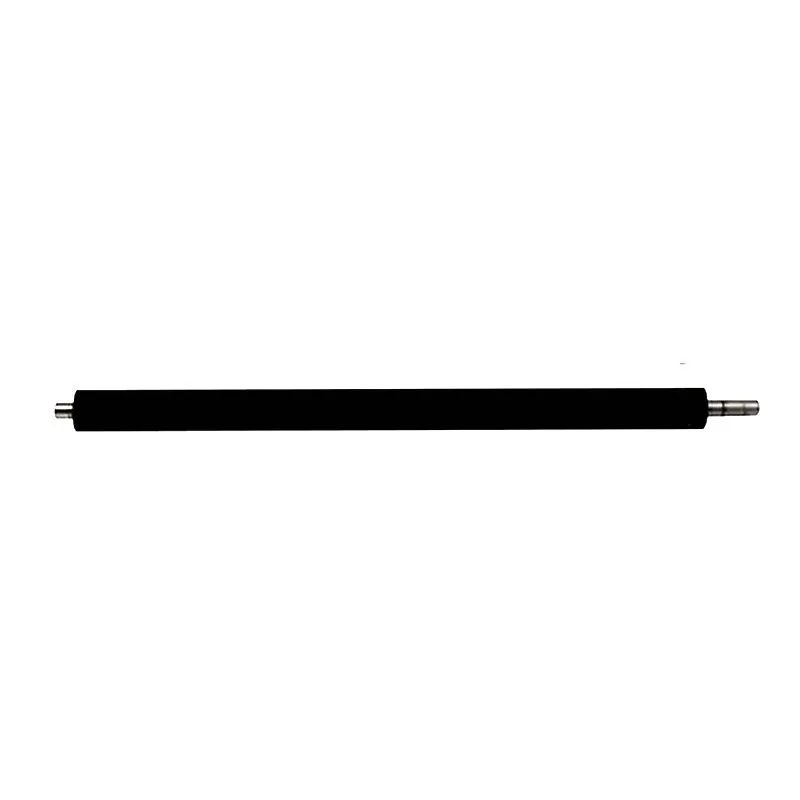
Physical differences matter. Some rollers have conductive foam cores, others use solid rubber; shaft diameters and bearing types vary. A roller that fits physically may have incorrect electrical properties, causing transfer bias errors. For color machines like the IM C series, the transfer roller often works in conjunction with a transfer belt unit—using a mismatched roller can accelerate belt wear. Always check the service manual for the specific model, and when in doubt, ask for a compatibility chart from your supplier.
Page Yield: What to Expect and How to Maximize It
Ricoh’s official page yield for transfer rollers typically ranges from 120,000 to 200,000 pages for monochrome models and 80,000 to 150,000 for color, depending on coverage and environment. But these numbers assume 5% coverage on plain paper and controlled humidity. In real-world office conditions—especially with heavy toner coverage or poor paper quality—yield can drop by 30% or more. Aftermarket rollers often claim similar yields but may use lower-grade foam that compresses faster, leading to uneven transfer and backgrounding after 50,000 pages.
To maximize yield, focus on the roller’s conductive properties and hardness. High-quality rollers maintain consistent resistance (typically 1×10^6 to 1×10^8 ohms) throughout life, preventing bias drift. Hardness should be within ±5 Shore A of OEM spec; too soft and the roller deforms, too hard and transfer efficiency drops. Also consider the roller’s surface finish—a smooth, non-porous surface resists toner filming, which is a common cause of premature failure. When evaluating suppliers, ask for resistance and hardness test data, not just yield claims.
Inspection Points: How to Spot a Bad Roller Before Installation
Counterfeit and low-quality transfer rollers often look identical to genuine ones at first glance. Start with the packaging: genuine Ricoh parts come in branded boxes with holograms and batch codes. Aftermarket rollers from reputable manufacturers will have clear labeling with production date and lot number. Inspect the roller itself for uniform color and texture—any shiny spots, bubbles, or visible seams indicate poor molding. Check the shaft for straightness; a bent shaft causes banding and premature bearing failure.
Electrical tests are critical. Use a megohmmeter to measure resistance between the shaft and the roller surface. Compare against the OEM specification for that model. Also, compress the roller gently—it should rebound quickly without leaving a permanent set. If you have a test machine, run a halftone print and look for even density; any light or dark bands suggest inconsistent resistance. Finally, verify the roller’s dimensions with calipers: diameter tolerance should be within ±0.05 mm, and length within ±0.1 mm. These checks take minutes but can save hours of troubleshooting.
Sourcing Tips: Avoiding Pitfalls and Ensuring Supply
Price is not the only factor. Cheap rollers often fail early, costing more in service calls and reputation damage. Look for suppliers who specialize in copier parts and can provide technical data sheets, compatibility lists, and samples for testing. Ask about their quality control process—do they test resistance and hardness on every batch? Do they offer a warranty? A 12-month warranty against manufacturing defects is a good sign. Also, consider the supplier’s ability to handle OEM/ODM requests: if you need custom packaging or slight modifications for your market, a factory-direct partner can accommodate that without middleman markups.
Lead times matter, especially for high-volume users. Establish a relationship with a manufacturer that holds stock of common Ricoh rollers and can ship within days. Avoid suppliers who drop-ship from unknown sources; traceability is key. For critical models, keep a safety stock—transfer rollers are consumables, and demand can spike unexpectedly. Finally, test a small batch before committing to a large order. Run them in your own machines or have a trusted technician evaluate them under real conditions.
Why CLONER Is Your Factory-Direct Partner for Ricoh Transfer Rollers
CLONER manufactures transfer rollers for Ricoh and other major brands in our own factory, giving you direct access to quality control and cost savings. We produce rollers that meet or exceed OEM specifications for resistance, hardness, and yield, and we back them with a 12-month warranty. Our OEM/ODM services let you customize packaging, labeling, and even roller formulations to suit your market. With large production capacity and strategic inventory, we ship fast—often within 3–5 days for stock items. Whether you’re an importer, wholesaler, or repair shop, we provide the technical support and reliability you need to keep your customers’ Ricoh machines running. Contact us today for samples and a compatibility chart.
Need a quote or samples from CLONER?
Factory-direct OEM/ODM supplier of compatible printer consumables & spare parts. Tell us your models — reply within 24h.