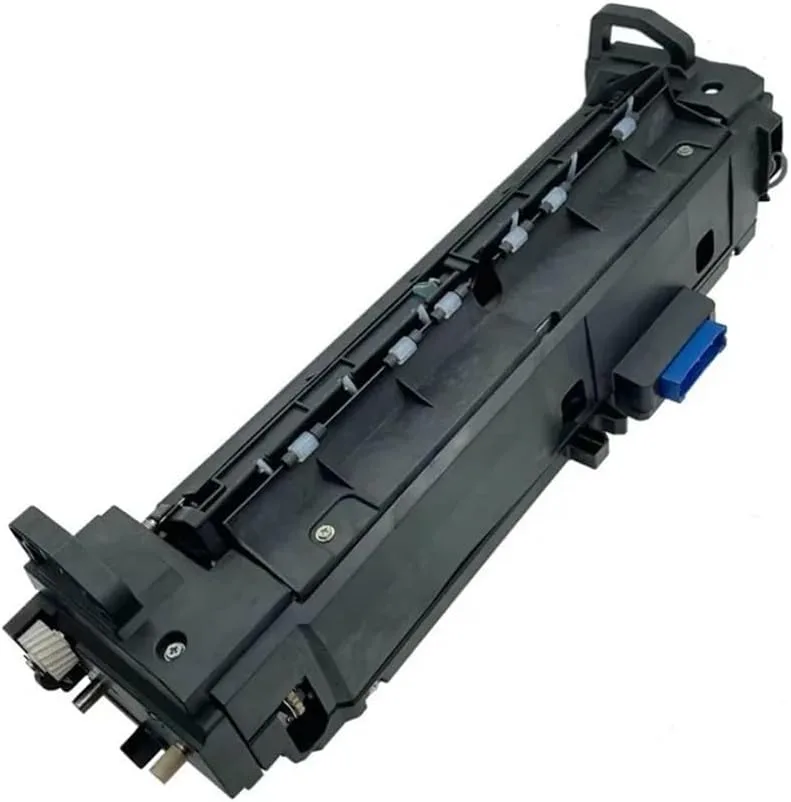
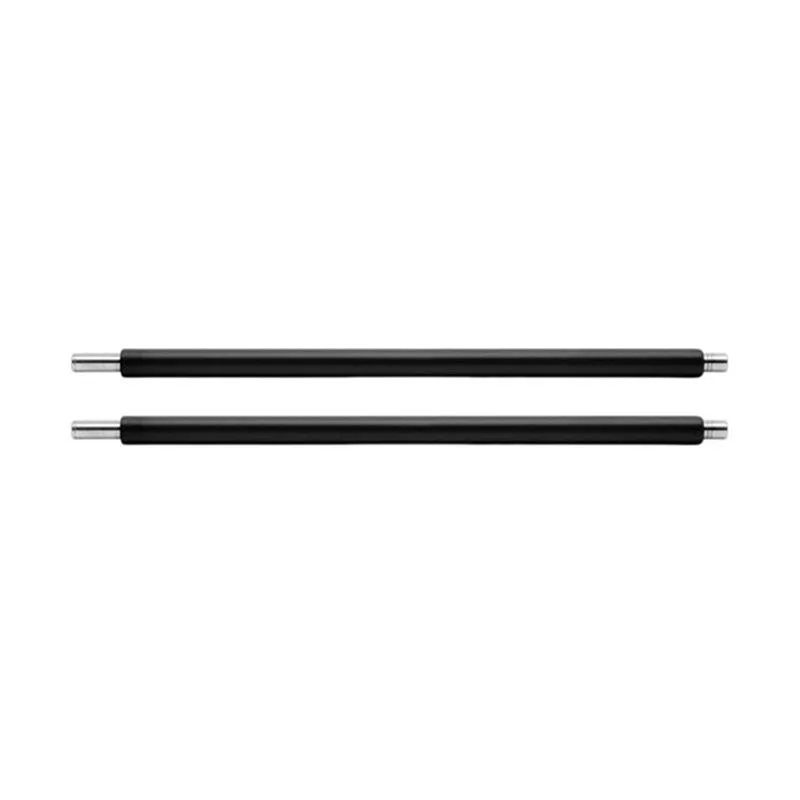
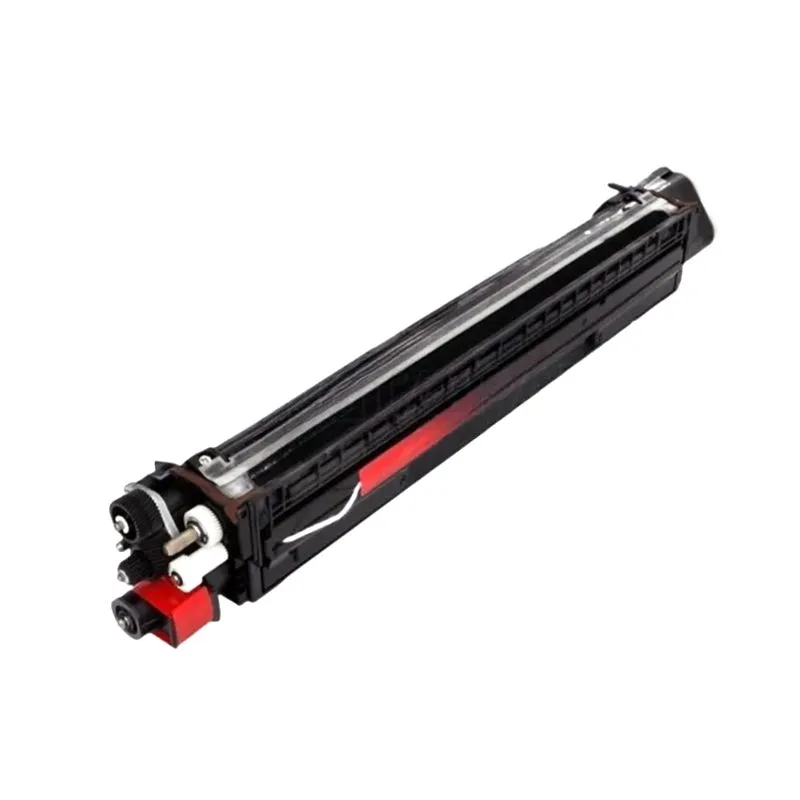
OEM vs Compatible Upper Fuser Roller for Konica Minolta: Distributor Buying Guide
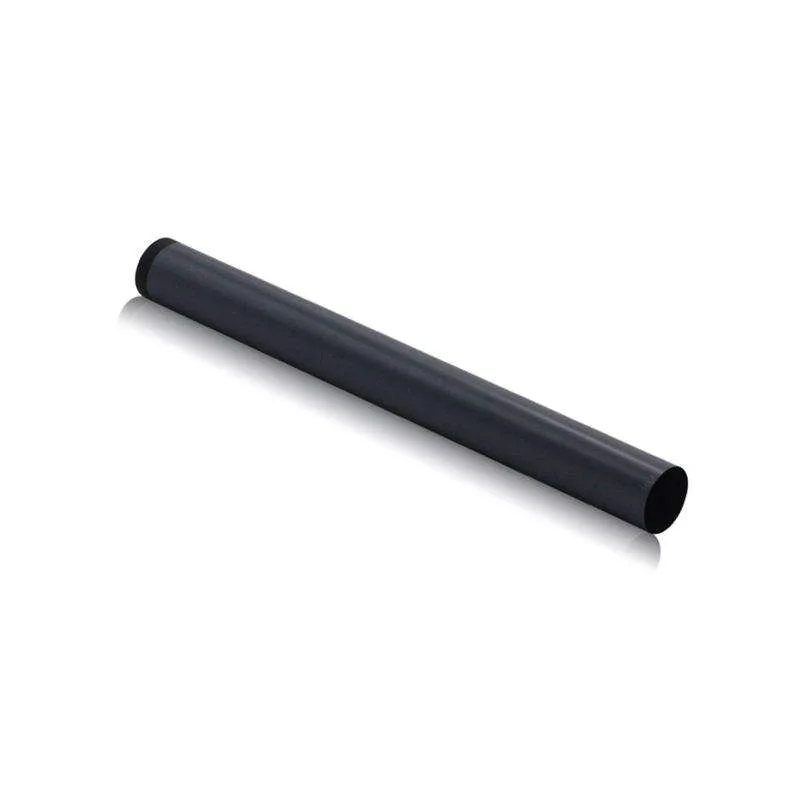
If you distribute parts for Konica Minolta copiers, the upper fuser roller is one of the highest-turnover consumables you'll stock. It's also the one where a bad batch can cost you a client's whole machine. The question is not just OEM vs compatible, but how to tell a precision part from a cheap knockoff before it fails in the field. Here's what I've learned from years on the factory floor and in the field.
The Real Differences: Materials, Tolerances, and Heat Management
OEM upper fuser rollers for Konica Minolta—think models like the bizhub 227, 287, or the C258/C308 series—are engineered to maintain a consistent surface temperature across the entire nip. That's not marketing talk. The aluminum core, the heat-resistant rubber or PFA sleeve, and the release layer all work together to melt toner evenly and prevent jams. Compatible rollers can get close, but only if the manufacturer uses the same grade of materials and holds the same dimensional tolerances.
When a compatible roller fails, it's usually because the rubber compound degrades faster under heat, or the outer coating peels after a few thousand pages. You'll see it in the field as streaks, offset toner, or a sudden drop in fusing quality. The fix is not a cheaper roller—it's a better supplier. A factory like CLONER that produces under ISO-controlled conditions can match OEM performance at a fraction of the cost, but only if they're honest about their specs.
What to Inspect Before You Stock a Compatible Roller
Don't rely on the spec sheet. Ask for samples and run them through a real machine. Look at these three points:
- Surface finish: should be perfectly smooth, no pinholes or bubbles, and the release layer should have a consistent matte or glossy sheen.
- Core balance: spin the roller on a fixture; any wobble means the core isn't straight, which will cause uneven pressure and premature wear.
- Heat distribution: if you have a thermal camera, check the surface temperature across the roller after a warm-up cycle—deviations of more than 5°C are a red flag.
Also, check the diameter and hardness. OEM rollers for Konica Minolta typically range from 20-30mm in diameter, with a rubber hardness around 60-70 Shore A. A compatible roller that's off by even 0.5mm can affect the nip width and cause fusing issues. Your customers won't notice until the machine starts jamming, and then they'll blame you.
Failure Modes You Need to Know
In my experience, the most common failure for a compatible upper fuser roller is delamination of the PFA sleeve. It starts with a small bubble, then expands quickly, leaving a rough spot that catches paper and eventually tears. Another common issue is heat degradation—the roller gets hard and glossy, losing its ability to grip the paper, which leads to paper slippage and jams. If you see either of these in a batch, stop selling that brand immediately and switch to a supplier that uses better adhesive and thicker release layers.
There's also the problem of roller life. A good compatible roller should last at least 120,000 pages, similar to OEM. If your customers are complaining about replacing rollers every 40,000 pages, you're paying for a cheap part twice. Track your return rates and feed that data back to your supplier. A serious manufacturer will adjust their formulation, not just ship you more units.
Selecting a Factory Partner: What to Ask
When you're sourcing compatible rollers, you need to vet the factory like you'd vet a new hire. Ask about their production process: do they test every batch for hardness, dimensions, and surface quality? Do they have a QC step that measures the roller's concentricity? What's their lead time on large orders? And crucially, do they offer OEM/ODM services so you can brand the part as your own?
CLONER is one of those factories that does all of this. They're a manufacturer, not a trader, which means you get direct access to the people who control the specs. They can produce rollers that match OEM performance for Konica Minolta, or they can build a custom roller to your own design. That's the kind of flexibility you need when you're trying to differentiate your catalog in a crowded market.
Balancing Price and Reliability in Your Inventory
Price is always a factor, but don't let it be the only factor. A compatible roller that costs 30% less than OEM but fails twice as often is a false economy. You'll spend more on returns, customer service, and lost goodwill. Instead, look for a supplier who offers a fair price for a part that meets OEM specs, and who backs it with a warranty. That's the kind of risk-sharing that tells you they believe in their product.
One practical tip: stock a mix of OEM for your high-end clients who demand original parts, and compatible for the everyday machines where cost matters. That way, you can offer options without compromising your reputation. And always keep a few samples of the compatible roller in your own test machine, so you can verify quality before you sell a new batch.
If you're ready to source upper fuser rollers for Konica Minolta that you can stand behind, talk to a factory that understands your business. CLONER offers factory-direct pricing, quick turnaround, and the ability to private-label or custom-engineer parts. That's the kind of partnership that keeps your customers happy and your margins healthy.