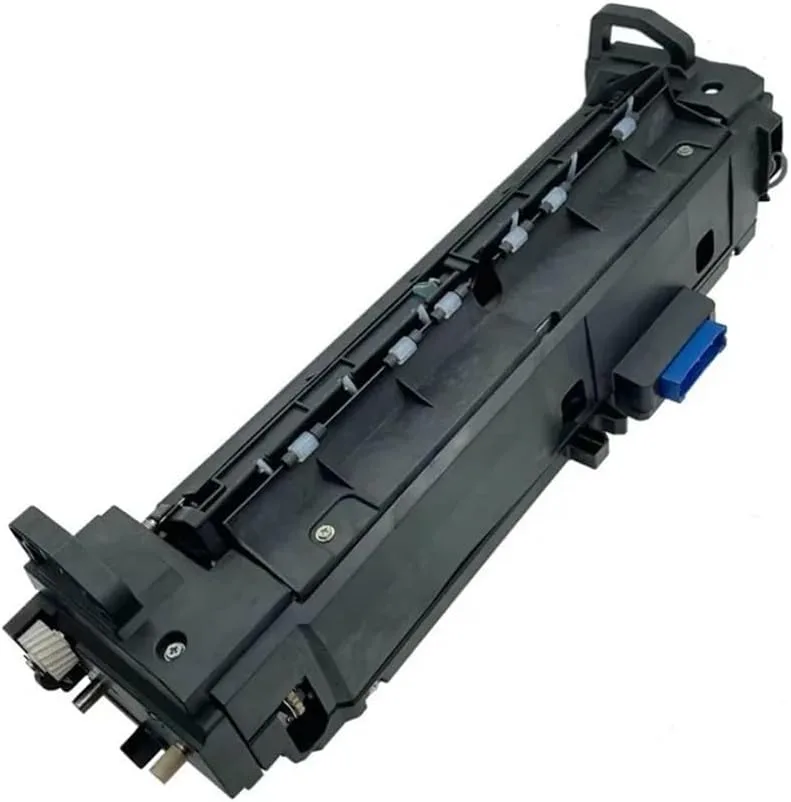
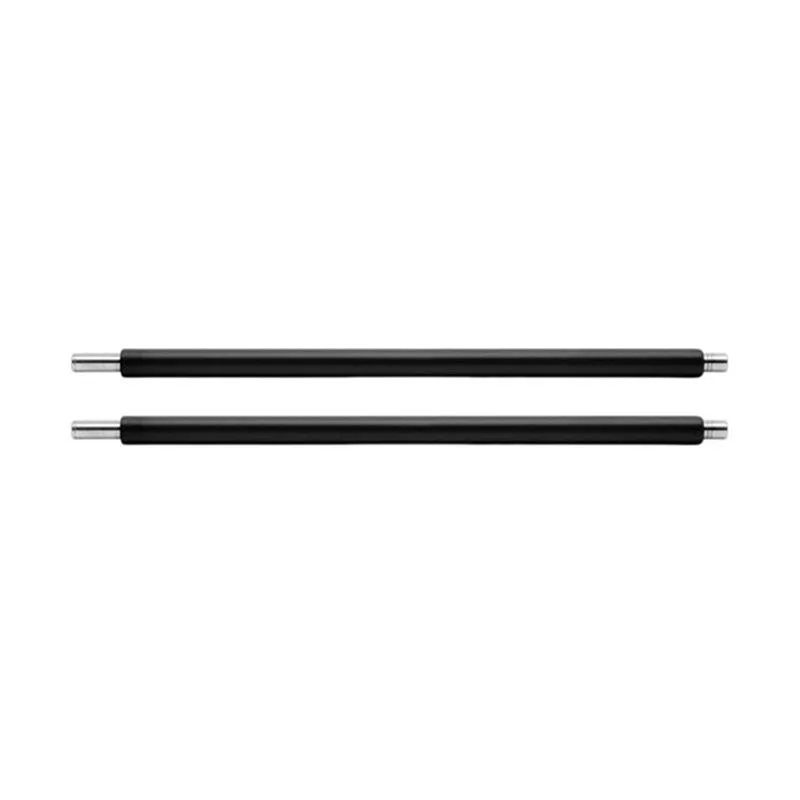
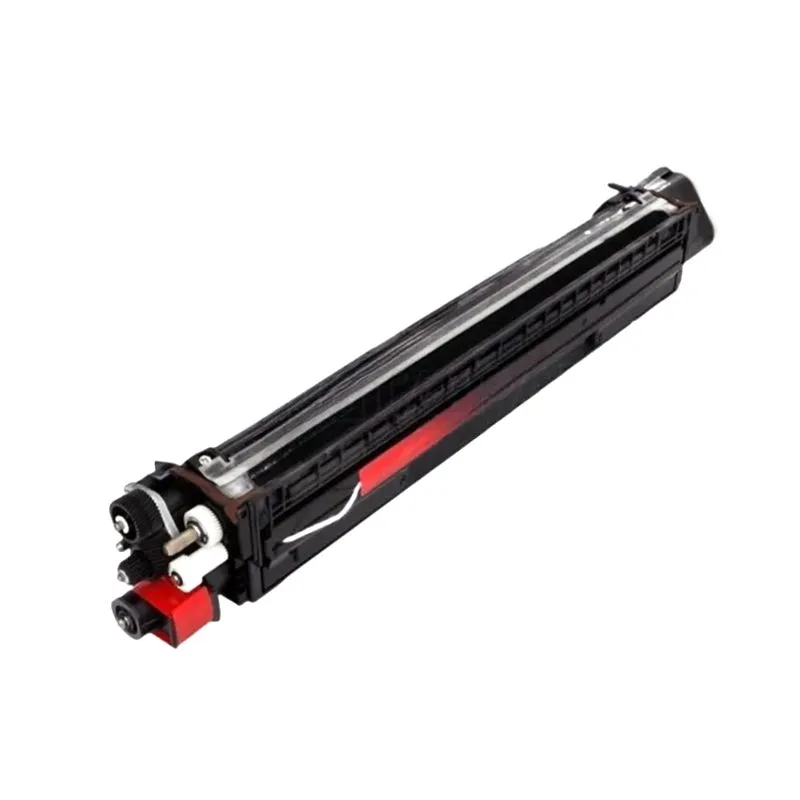
OEM Waste Ink for Toshiba: A Print Shop Buyer's Guide to Quality and Savings
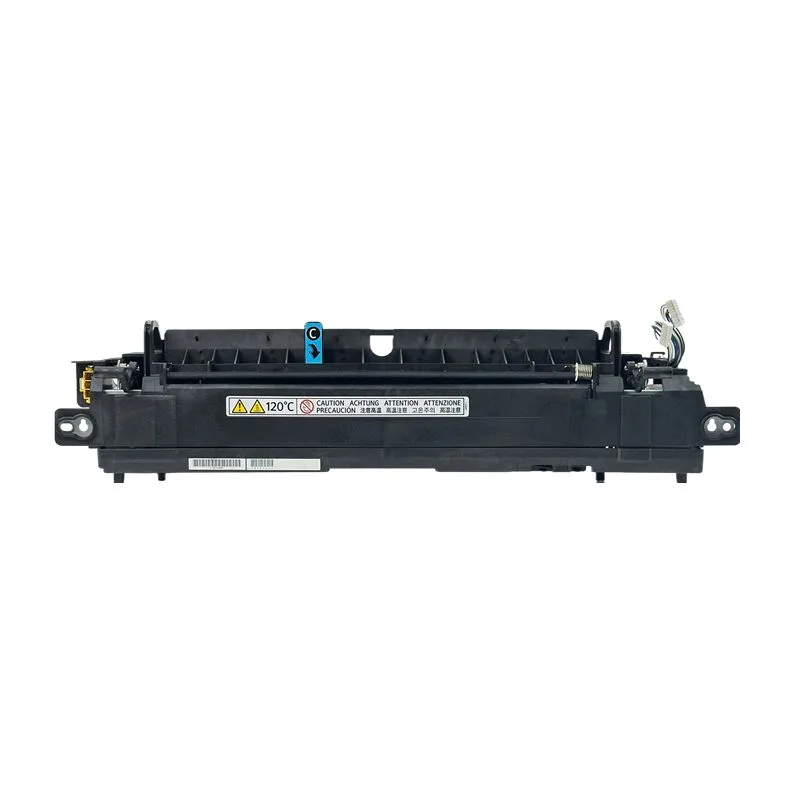
Waste ink systems are the unsung heroes of high-volume Toshiba printing. When a waste ink tank or cartridge fails, it can lead to ink spills, error codes, and costly downtime. For print shops running Toshiba e-STUDIO machines, sourcing genuine OEM waste ink is not just about compatibility—it's about protecting your investment. But with so many suppliers claiming 'OEM quality,' how do you separate the real deal from risky alternatives? This guide gives you the insider knowledge to buy right.
Why Toshiba Waste Ink Isn't a Commodity
Toshiba's waste ink systems are engineered for specific models and ink formulations. The waste ink tank, often called a waste ink cartridge or maintenance box, collects excess ink during cleaning cycles and printhead maintenance. Using a non-OEM or poorly manufactured unit can cause ink overflow, sensor errors, and even damage to the printhead or internal tubing. Print shops often learn this the hard way: a cheap tank that leaks after 500 pages costs far more in cleanup and lost jobs than the few dollars saved.
OEM waste ink for Toshiba is manufactured to exact tolerances. The foam inside is designed to absorb and retain ink without dripping, and the chip (if present) communicates correctly with the printer's firmware. Counterfeit or generic tanks often skip the chip or use inferior foam that compresses over time, leading to premature 'waste ink full' errors. For models like the e-STUDIO 2500c, 3500c, or 4520c, the waste ink tank part numbers vary, and using the wrong one can void your service contract.
CLONER manufactures waste ink solutions that meet or exceed OEM specifications. As a factory-direct supplier, we produce these parts in our own facility, which means we control the foam density, plastic housing, and chip programming. That level of control is why major distributors and repair depots rely on us for Toshiba-compatible waste ink that performs like the original—without the original markup.
How to Inspect Waste Ink Tanks Before You Buy
When evaluating a supplier, ask for samples or detailed specs. A genuine OEM waste ink tank for Toshiba should have a smooth, rigid plastic shell with no flashing or warping. The foam should be uniformly dense and securely bonded to the housing. If the tank includes a chip, verify that it's a fresh chip, not a reset or reused one. Reused chips often fail after a few cycles, triggering error messages.
Check the packaging and labeling. OEM Toshiba waste ink typically comes in sealed bags with part numbers and batch codes. Counterfeits often have blurry printing or misspellings. Also, inspect the ink absorbent material: it should be clean and free of debris. A quick test is to weigh the tank—OEM units have a consistent weight because the foam density is controlled. If a supplier can't provide a spec sheet or batch traceability, walk away.
For print shops, establishing a relationship with a manufacturer like CLONER gives you access to technical data and consistent quality. We provide batch codes and material certifications so you can verify what you're getting. That transparency is rare in the aftermarket, and it's why our Toshiba waste ink tanks are trusted in high-volume environments.
Selection Criteria: Matching Waste Ink to Your Toshiba Model
Toshiba's lineup spans from small workgroup printers to production copiers, and waste ink systems differ significantly. The e-STUDIO 2000AC series uses a different waste ink bottle than the e-STUDIO 5008A. Before ordering, confirm the exact model and part number from your service manual. A common mistake is assuming that all e-STUDIO waste tanks are interchangeable—they're not. Even within the same series, revisions can change the chip or physical shape.
Consider your print volume. High-volume shops should opt for waste ink tanks with larger capacity or higher-density foam to extend replacement intervals. OEM tanks are designed for the printer's rated duty cycle, so matching the tank to your usage pattern is critical. If you run your Toshiba near its maximum monthly volume, a standard OEM tank might fill faster than expected. In that case, look for high-capacity alternatives or plan more frequent replacements.
CLONER offers both OEM-compatible and high-capacity waste ink solutions for Toshiba. Because we manufacture in-house, we can customize foam density and tank size for specific high-volume applications. That flexibility is a direct benefit of our OEM/ODM services—we work with distributors to create private-label waste ink that meets their customers' exact needs.
Buying OEM Waste Ink: Pricing, MOQ, and Lead Times
Pricing for OEM Toshiba waste ink varies widely. Genuine Toshiba parts carry a premium, often 30-50% higher than aftermarket equivalents. But aftermarket quality ranges from excellent to disastrous. The key is to buy from a manufacturer that controls production, not a trader who sources from unknown factories. Factory-direct pricing from CLONER typically undercuts OEM by 20-30% while maintaining OEM-level performance.
Minimum order quantities (MOQs) matter for smaller print shops. Some suppliers demand large MOQs, forcing you to tie up cash in inventory. CLONER offers flexible MOQs and can ship mixed orders of waste ink for different Toshiba models. For distributors, we provide private-label packaging and custom part numbers. Lead times are typically 2-4 weeks for standard items, but we keep popular Toshiba waste ink tanks in stock for immediate shipment.
Always ask about warranty and return policy. A reputable supplier stands behind their product. CLONER offers a 12-month warranty against manufacturing defects on all waste ink products. If a tank fails prematurely, we replace it—no questions asked. That's the confidence of a factory-direct manufacturer.
Maximizing Waste Ink Efficiency in Your Print Shop
Even with the best waste ink tank, how you maintain your Toshiba printer affects waste ink consumption. Regular printhead cleanings use ink, so avoid unnecessary cycles. If your printer sits idle for long periods, run a nozzle check instead of a full cleaning. Also, ensure the waste ink tube isn't kinked or clogged—this can cause ink to back up and overflow the tank.
Train your technicians to reset waste ink counters properly after replacement. Some Toshiba models require a manual reset via service mode, while others auto-detect. Incorrect resets can lead to error codes or premature tank full warnings. Keep a log of replacements to track consumption and predict when you'll need the next tank.
For print shops that go through waste ink quickly, consider a bulk purchasing agreement with CLONER. We can supply waste ink tanks in case quantities, reducing per-unit cost and ensuring you never run out. Our OEM/ODM team can also develop custom waste ink solutions for your specific Toshiba fleet, including private-label branding.
When you buy waste ink from CLONER, you're buying directly from the factory. We manufacture OEM and ODM waste ink for Toshiba and other major brands, and we stand behind every part. Whether you need a few tanks or a container load, our team provides technical support, fast lead times, and pricing that keeps your print shop profitable. Contact us today to discuss your Toshiba waste ink requirements.
Need a quote or samples from CLONER?
Factory-direct OEM/ODM supplier of compatible printer consumables & spare parts. Tell us your models — reply within 24h.