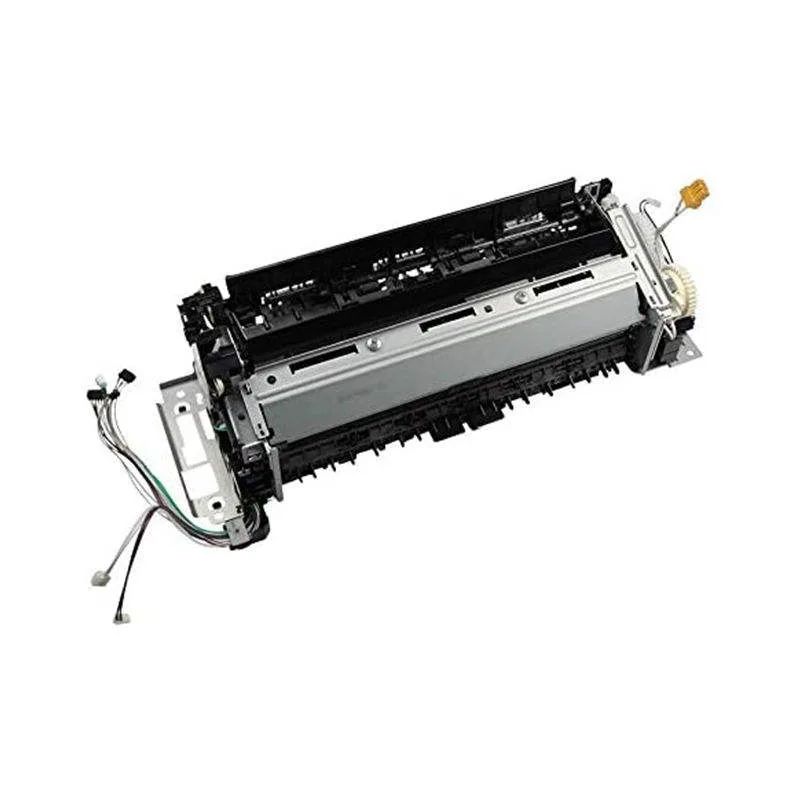
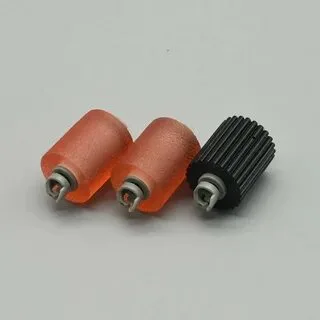
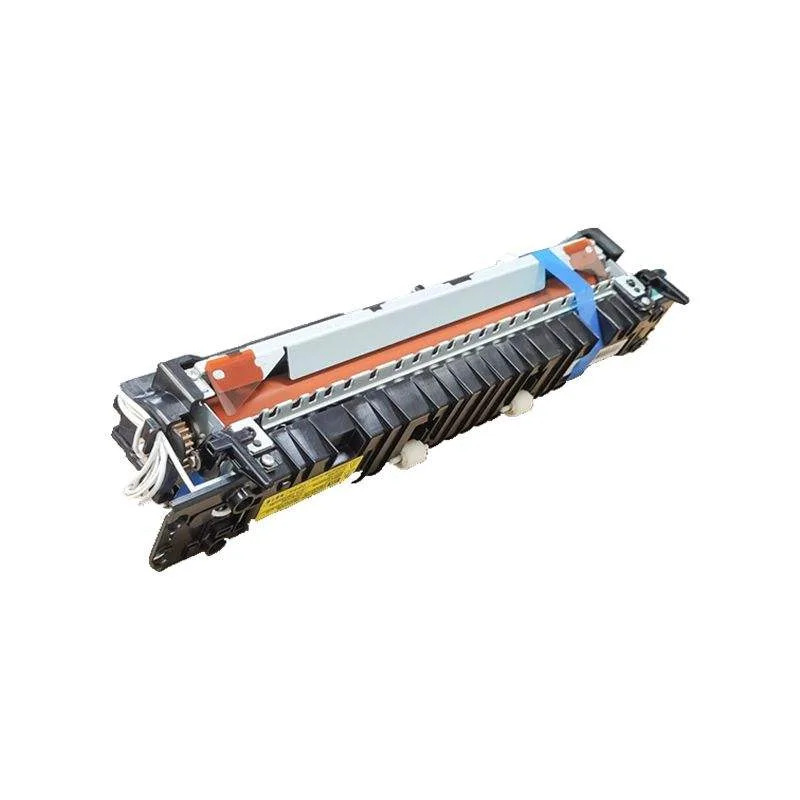
Buying OKI Laser Units: A Field Guide for Copier Repair Shops
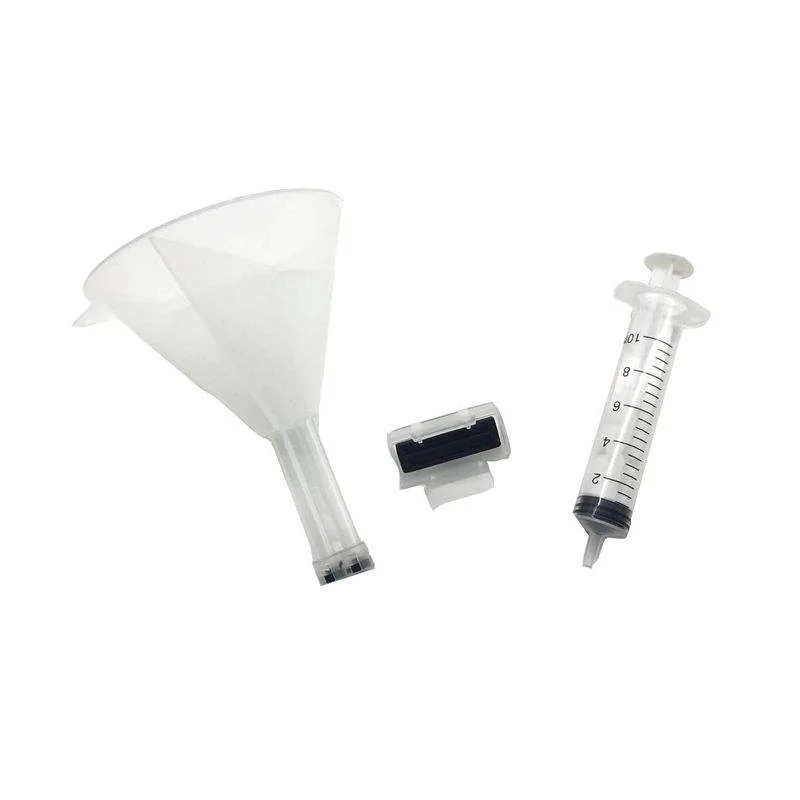
If you're stocking OKI laser units, you already know the pain: customers complain about faded prints halfway through a drum's rated life, or the unit arrives with a scratched OPC drum that streaks from day one. For a repair shop, that means callback costs and lost trust. This guide cuts through the spec sheets and tells you what actually matters when buying OKI C831, C841, or Pro9541 laser units—and how to avoid the traps that eat your margin.
Know Your OKI Series: Not All Laser Units Are Equal
OKI uses the same basic architecture across many models, but the laser unit—often sold as a drum and developer assembly—varies significantly between the C800 series and the newer C900 series. The C831 and C841 share the same physical footprint, but the C841's higher print speed demands a more robust OPC drum coating. If you buy a C831 unit and slap it into a C841, you'll see premature drum wear and ghosting at high speeds. Always match the part number: 44473101 for C831, 44473102 for C841, and so on.
For the Pro9541 (the big production machine), the laser unit is a completely different beast—it's a modular assembly with separate drum and charge roller units. Don't assume interchangeability. When sourcing, confirm the exact OEM part number and the compatible part number your supplier lists. A reputable manufacturer like CLONER will cross-reference these clearly, not just say "fits OKI."
Critical Inspection Points: What to Check Before You Stock
Most shops don't open every box, but you should spot-check at least one unit per batch. First, inspect the OPC drum surface under bright light. Look for pinholes, scratches, or a dull, matte finish instead of a glossy, mirror-like sheen. A cheap drum coating will look slightly orange or have visible streaks—that's a reject. Second, check the charge roller: it should be smooth, free of cracks, and have a consistent color. If it's discolored, you'll get uneven charge and print density issues.
Third, examine the doctor blade and toner seal. A poor seal means toner leakage during shipping, which can damage the unit and the printer. Finally, verify the chip (if present). Many OKI units use a chip that tracks page count and can lock the unit. If your supplier offers a non-resettable chip, be clear about that—some shops prefer resettable chips for remanufactured units. CLONER's OEM-ODM service lets you specify chip behavior, so you can stock exactly what your market needs.
Drum Life and Print Quality: The Real Cost Drivers
OKI's rated drum life (e.g., 20,000 pages for C831) is based on 5% coverage. Your customers print more like 15–20% coverage, so expect 60–70% of rated life in real-world use. A quality compatible unit should hit that benchmark. If you're seeing failures at 8,000 pages, the OPC coating or the cleaning blade is subpar. Don't just compare price per unit—calculate cost per page. A $60 unit that lasts 15,000 pages beats a $40 unit that dies at 8,000.
Print defect patterns tell you a lot. Vertical black lines usually mean a scratched drum or a damaged charge roller. Background toner (gray haze) points to a worn cleaning blade or poor toner formulation. Horizontal banding often comes from the developer roller's magnetic brush. When you test a new batch, run a 20% coverage print and a half-tone pattern. If you see any of these defects, send the batch back—don't try to sell it.
Supplier Selection: What to Ask Beyond Price
You're not just buying a part; you're buying reliability. Ask your supplier for batch test data—specifically, OPC coating thickness (should be 20–30 microns for OKI), charge roller hardness, and drum runout. A factory like CLONER will provide this without hesitation because they control the production line. Also, ask about packaging: OKI laser units are sensitive to shock and humidity. Proper packaging includes anti-static foam and a sealed moisture barrier bag. If the units arrive loose in a box, reject the shipment.
Lead times matter too. If you're a repair shop, you can't wait 30 days for a backordered unit. CLONER's factory-direct model means faster restocks and the ability to custom-brand units for your shop—that builds customer trust when they see your label on a quality part. And if you're an OEM-ODM buyer, you can spec your own packaging, chip settings, and even drum coating formulation.
Warranty and Returns: Protect Your Margin
Even with the best inspection, you'll get a defective unit now and then. A solid supplier offers a 12-month warranty against manufacturing defects, covering drum and charge roller failures. Make sure the warranty includes a replacement for the entire unit, not just a credit. And check the return policy for DOA units—they should ship a replacement immediately, not after a week of diagnostics.
One more thing: keep a record of which batch you bought and when. Serial numbers on the unit and your invoice should match. If you have a problem, being able to trace the batch helps your supplier fix the root cause. CLONER's OEM-ODM clients get this traceability as standard—it's part of running a real factory, not a trading company.
When you're ready to order, don't just look at the price list. Ask for a sample batch, test it in your own shop, and compare the output against OEM. That's the only way to know if you're getting a true compatible unit or a cheap knockoff. CLONER's factory-direct channel means you can get samples with a quick turnaround, and their engineering team can adjust the product to meet your specific requirements—whether that's a different drum coating for high-humidity regions or a custom chip reset policy. That's the kind of partnership that keeps your repair shop profitable.