How to Check the Quality of Fuser Assembly for Konica Minolta Copiers Before You Buy
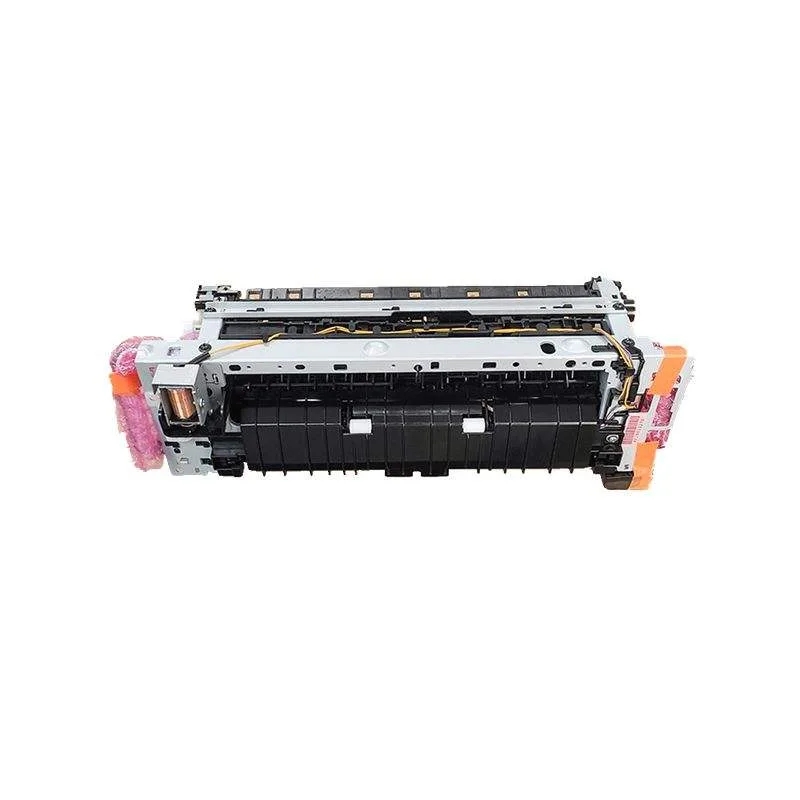
When you're sourcing fuser assemblies for Konica Minolta copiers, the stakes are high. A failed fuser means downtime, angry customers, and costly returns. Unlike toner or drums, fusers are complex electromechanical units where quality differences are not always visible. But with the right inspection points, you can separate reliable units from future headaches before you commit to a purchase.
Know the Failure Points: What to Inspect First
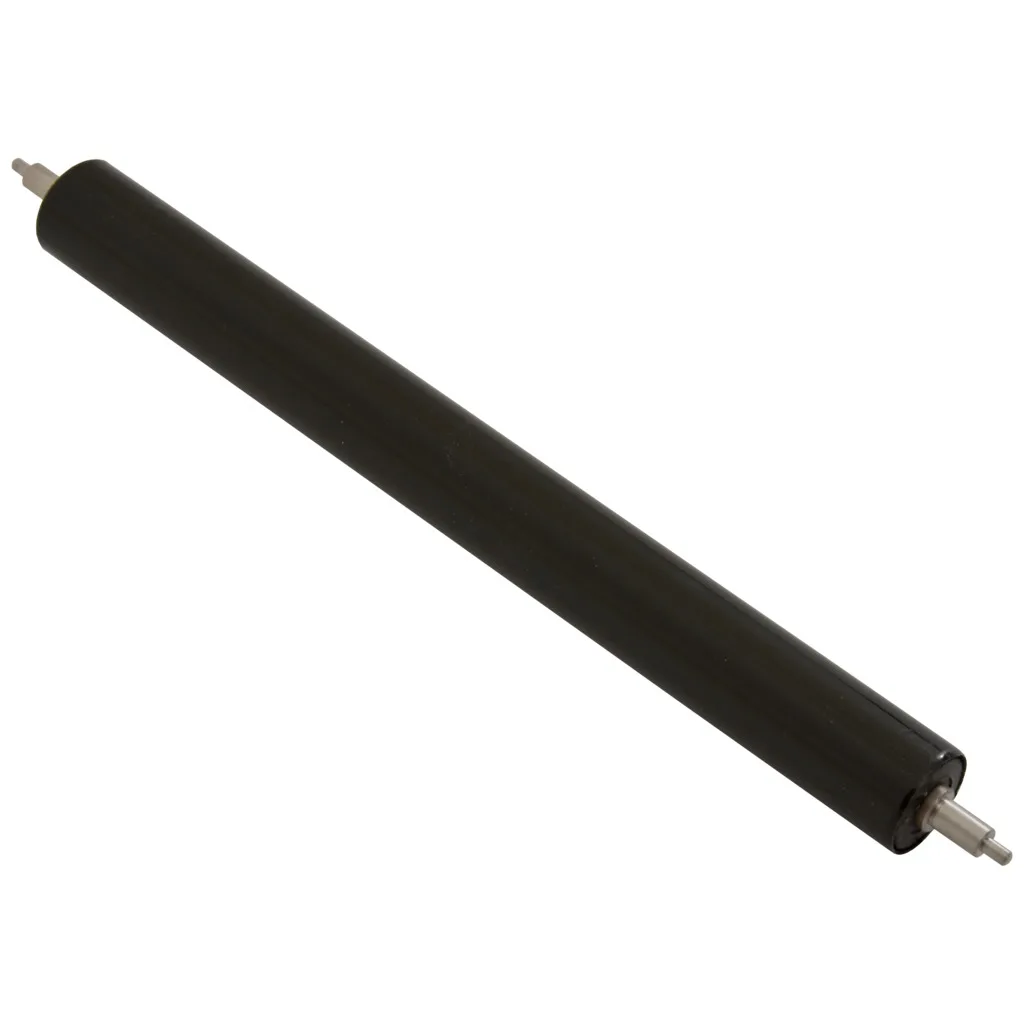
Start with the fuser rollers. The heat roller and pressure roller are the most common failure points. On genuine Konica Minolta fusers, the rollers use a specific silicone or PTFE coating that resists toner offset and wear. Aftermarket rollers with inferior coatings may look similar but will gloss over, causing toner adhesion and jamming. Run your finger along the roller surface—it should be smooth, with no pits, bubbles, or uneven texture. Check the ends for excessive wear or flat spots, which indicate poor bearing alignment.
Next, examine the bearings and bushings. These small components are often overlooked, but they determine how smoothly the rollers turn. Worn bearings cause noisy operation and uneven pressure, leading to poor fusing. Spin the rollers by hand; they should rotate freely with no grinding or stiffness. Look for signs of grease leakage, which can contaminate the rollers and cause print defects.
The thermistor and thermostat are critical for temperature control. A faulty thermistor can cause fuser errors (like C-2801 on bizhub models) or inconsistent fusing. Inspect the thermistor for cracks or discoloration. The thermostat should be clean and securely mounted; a misaligned thermostat can cause overheating or false error codes.
Brand-Specific Checks for Konica Minolta Models
Konica Minolta fusers vary significantly across model families. For bizhub C224/C284/C364 series, the fuser unit (A161R73311) uses a belt-based system. Check the fuser belt for wrinkles, edge cracks, or toner buildup. A worn belt will cause blurry images or repeated marks. For bizhub C258/C308/C368, the fuser (A7PUR70 series) has a different roller design; ensure the pressure roller has the correct hardness—too soft and you'll get excessive curl, too hard and fusing is incomplete.
On bizhub PRO models like C1060/C1070, the fuser is a heavy-duty unit with multiple lamps. Verify that all lamps are intact and that the connectors are not burnt. Burnt connectors are a sign of electrical stress and will fail prematurely. For older models like bizhub 223/283/363, the fuser (A0EDR72000) is known for pressure roller wear. Inspect the pressure roller for flat spots and check the cleaning web for proper advancement.
Always cross-reference the part number with the machine's serial number. Konica Minolta frequently updates fuser designs within the same model line. A fuser that fits one serial range may not fit another. If the seller cannot provide the exact part number and compatibility, walk away.
Testing and Documentation: What to Demand from Suppliers
Ask for a test report. Reputable suppliers test fusers for temperature accuracy, roller pressure, and electrical continuity. The report should include the test date, machine model used, and pass/fail results. Without this, you're buying blind. Also, request the manufacturing date code. Fusers have a shelf life; rubber components degrade over time. A fuser that's been sitting in a warehouse for three years may fail soon after installation.
Check the packaging. Genuine Konica Minolta fusers come in anti-static bags with desiccant and shock-absorbing foam. If the unit arrives in a plain box with no protection, the rollers may have been damaged in transit. Look for the Konica Minolta hologram and part number label. Counterfeit fusers often have misspelled labels or missing holograms.
Finally, ask about the warranty. A standard warranty is 90 days, but top-tier suppliers offer 180 days or more. The warranty should cover both parts and labor—or at least provide a replacement unit without hassle. If the supplier hesitates on warranty terms, consider it a red flag.
Why Factory-Direct Matters for Fuser Quality
Buying factory-direct eliminates middlemen and reduces the risk of counterfeit or substandard parts. At CLONER, we manufacture fuser assemblies in our own facility, using OEM-grade rollers, bearings, and thermistors. We test every unit on actual Konica Minolta machines before it leaves the line. Our OEM/ODM services let you customize fusers to your exact specifications—whether you need a specific roller hardness, a different thermistor curve, or private labeling.
We also provide full documentation, including test reports and compatibility charts, so you can buy with confidence. Our fusers are designed to meet or exceed OEM performance, and we back them with a 180-day warranty. For importers and distributors, we offer flexible MOQs and fast turnaround. Stop gambling on unknown suppliers. Get factory-direct fusers that keep your customers' Konica Minolta copiers running.
Need a quote or samples from CLONER?
Factory-direct OEM/ODM supplier of compatible printer consumables & spare parts. Tell us your models — reply within 24h.